
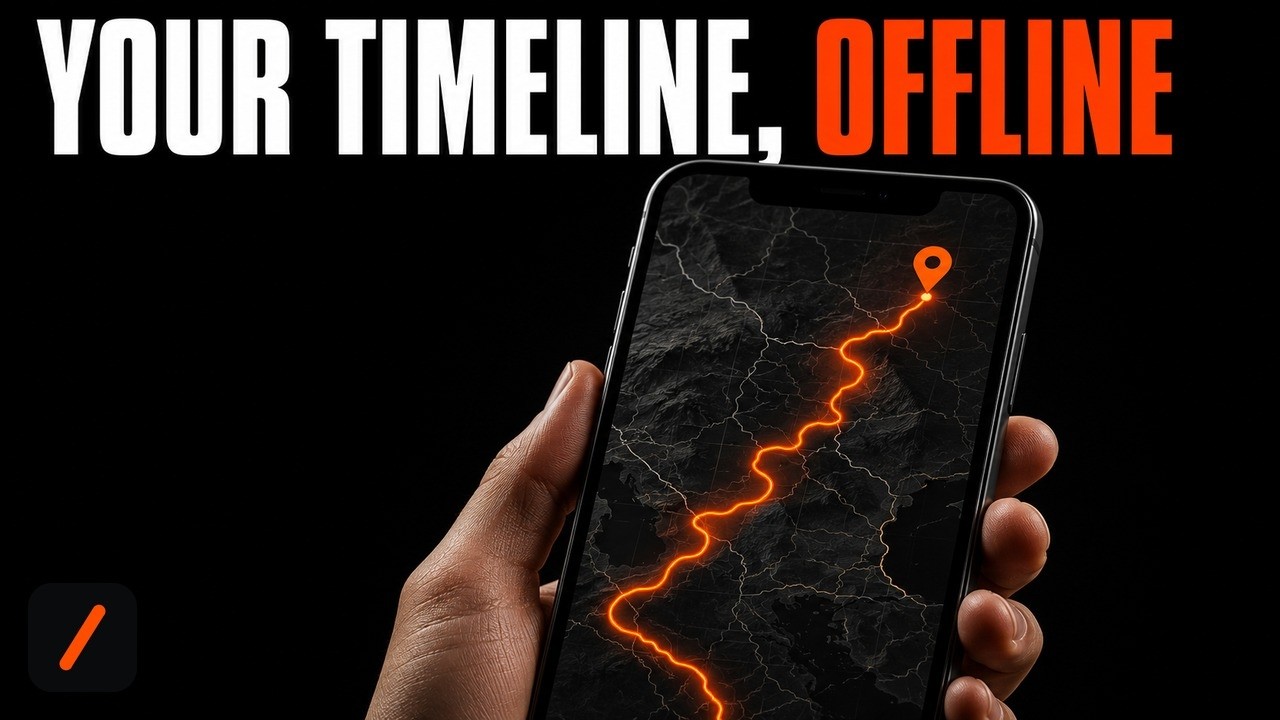
Timeline Visualizer takes the Timeline.json file Google Maps lets you export and turns a year of your own movement into an animated MP4 that renders entirely on your device. It picked up 441 stars in a single day on GitHub's trending page, on top of roughly 2,559 since the project started in December 2025, and the reason is not the animation: it is that nothing about your location history leaves the phone.
- Three ways to run it: a sideloaded Android APK (2.8 MB, Android 8.0 or newer), an iPhone web app that installs nothing, and a desktop Python generator for anyone who wants a scriptable version.
- Your Timeline JSON is never uploaded. The only network traffic is basemap tiles from CARTO, which reveals which map areas you viewed but not the route data itself.
- Output is a real MP4 in square 480p, 720p or 1080p, plus portrait 1080 x 1920 and landscape 1920 x 1080 presets, with journey durations from 10 to 300 seconds.
- It is MIT licensed and not on Google Play, so the Android install is a manual APK sideload with the friction that implies.
What is Timeline Visualizer and why is it trending?
Google moved Location History off its servers and onto the phone in 2024, which killed the old Timeline web view and, with it, most of the third party tools that used to read it. Timeline Visualizer by developer mahlernim is one of the projects that rebuilt for the new reality: instead of asking for account access, it reads the JSON file you export yourself and does everything locally. The Android app is written in Kotlin, ships under an MIT license, and hit version 2.3.2 on August 22, 2026, the same day it appeared on the trending page.
RelatedMoneyPrinterTurbo Setup: AI Short Videos From One Keyword
The appeal is timing. Spotify Wrapped conditioned everyone to expect a year in review, and Google Photos will happily assemble one for you as long as you accept that the assembling happens in Google's cloud. This does the same thing for the map layer with the opposite trust model. There is no sign-in, no location permission request, no analytics, and no broad storage permission. The app reads only the specific JSON and video files you hand it.
How do you get your Timeline file out of Google?
This is the step that trips people up, because the export moved. On Android it is no longer inside Google Maps at all:
# Android: the export lives in system Settings, not in Maps
Phone Settings
  → Location
  → Location services
  → Timeline
  → Export Timeline data → Continue
Save the resulting Timeline.json somewhere findable, such as Downloads. On iPhone the path stays inside Google Maps: tap your profile picture, then Settings, Personal content, and Export Timeline data. Menu labels drift between Android skins and versions, so if the Timeline entry is missing, the app's own Get Timeline file screen reproduces these instructions and can jump you straight into Location settings.
How do you install it on Android?
The app is not on Google Play yet, so this is a manual sideload from the repository's releases page. Download TimelineVisualizer-v2.3.2.apk (2.8 MB) from the Assets list, skip the .sha256 file next to it unless you plan to verify the checksum, and open the download. Android will almost certainly block the first attempt: choose Settings, grant your browser or file manager permission to Install unknown apps, go back, and retry. You can revoke that permission immediately afterward. It requires Android 8.0 or newer, and later releases install straight over this one.
How do you use it on iPhone without installing anything?
There is no App Store build, but there is a Safari web app at ahn-lab.org/google-timeline-visualizer that runs the identical flow in the browser: choose your Timeline.json, pick a month range or exact dates, pick a camera movement, confirm the map privacy notice, preview, then create the MP4. Two constraints matter. MP4 creation needs Safari 16.4 or newer with H.264 encoding support, and the tab has to stay open while the video renders. Adding it to the Home Screen through Safari's Share menu makes it behave like an installed app on repeat visits.
How do you run the desktop Python version?
The original Python generator that predates the Android app is still in the repository, and it is the right choice if you want this in a script or a scheduled job. It needs Python 3.9 or newer plus FFmpeg on your PATH:
RelatedCloudflare Security Audit Skill Setup: AI Pen Test Any Repo
$ python -m pip install -r requirements.txt
$ python visualizer.py --input Timeline.json --year 2025 --camera-movement steady \
    --long-trip-compression balanced --output my_trip_2025.mp4
The dependency list is small: numpy, matplotlib, pillow and python-dateutil. Both flags shown above accept a fixed set of values. --camera-movement takes fixed, steady or dynamic, and --long-trip-compression takes off, gentle, balanced or strong. Compression only bends animation timing so a two week road trip does not spend most of the video on one motorway; it never alters the route geometry itself. If you want to hack on the Android side instead, the build needs JDK 17, Android SDK Platform 36 and Build Tools 36.0.0:
$ ./gradlew test lint assembleGithubDebug assemblePlayDebug
$ python -m pip install -r requirements-dev.txt
$ python -m pytest| Trait | Timeline Visualizer | Google Photos recap | Polarsteps / Wanderlog | kepler.gl / QGIS |
|---|---|---|---|---|
| Where rendering happens | On your device | Google's cloud | Vendor cloud | Your machine or browser |
| Data source | Your own Timeline export | Your Google account | Manual entry or app tracking | Any GeoJSON or CSV |
| Account required | None | Google account | Yes | None |
| Output | MP4, up to 1080p | Slideshow inside the app | Web map and photo book | Static map or manual export |
| Setup effort | Minutes, sideload or web | Zero, automatic | Minutes, sign up | Hours, GIS knowledge |
| License | MIT, open source | Proprietary | Proprietary | Open source |
What are the gotchas before you rely on it?
Four things. The sideload warning is real and expected: Android flags any APK installed outside Play, and the project explicitly tells you to download it only from its own releases page, which is the correct instinct to keep. Second, the privacy claim has one honest asterisk the README states plainly, that CARTO serves the map tiles and therefore learns which map areas you rendered, even though the JSON never moves. Third, GPS noise is filtered conservatively by default, discarding only isolated implausible out and back coordinates and reporting how many it dropped; set the filter to Off if you want every point, and note the original file is left untouched either way. Fourth, long videos cost real time and storage. Durations above 60 seconds trigger a warning in the app for exactly that reason, and rendering continues if you switch apps or blank the screen, but it is not instant.
- A Play Store listing. The README says the app is not yet on Google Play, and a listing would remove the single biggest friction point for non technical users.
- Export format churn. The parser already handles current direct array exports, older
semanticSegmentsexports, and E7 orgeo:coordinates. Google changing the schema again is the main upstream risk. - The iPhone gap. The Safari web app works, but an App Store build would make the iOS story match Android instead of trailing it.
Our take
What makes this worth 20 minutes is not the video. It is that the project treats "we never see your data" as an architecture decision rather than a privacy policy sentence, and then does the annoying work that follows from it: parsing five different coordinate encodings, handling routes that cross the international date line, interpolating great circle paths so a flight does not teleport to its destination, and filtering GPS outliers without editing your source file. Any of those could have been skipped by shipping a server that does the parsing for you. The cost of the choice is honest too. You sideload an APK, you tolerate an Android security warning, and on iPhone you get a browser tab instead of an app. If a Play listing lands, this becomes an easy recommendation for anyone who wants a year in review that does not require handing a company one more copy of everywhere they have been.
- Officialmahlernim/google-timeline-visualizer on GitHub source, README, and issue tracker
- ReleasesTimeline Visualizer v2.3.2 2.8 MB APK plus a SHA-256 checksum, published August 22, 2026
- Web appiPhone web app Safari 16.4 or newer, no install and no upload
- ReferenceGoogle Maps Timeline Help official export instructions if the menu labels differ on your phone
Original analysis by GenZTech Team, based on mahlernim/google-timeline-visualizer.