
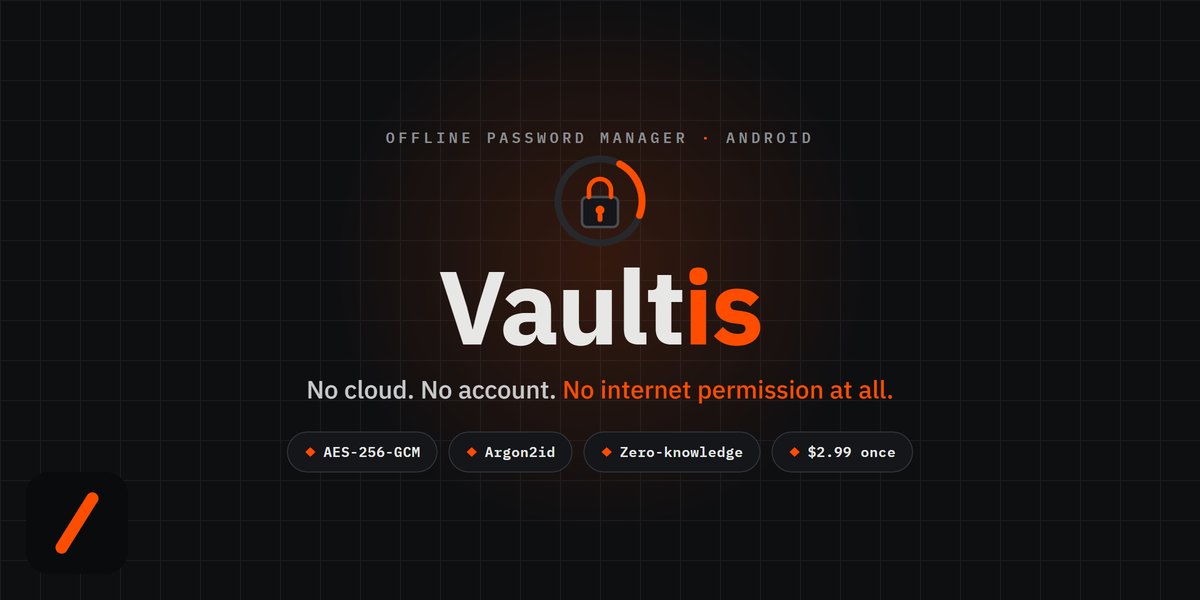
Vaultis is a new offline password manager for Android that keeps every login encrypted on your device, with no account, no cloud, and no internet permission at all. It is built by Kore Industries, the same team behind GENZ TECH, and it is out now on Google Play as a one-time $2.99 purchase with no subscription, ads, or telemetry. The pitch is simple: your passwords physically cannot leave your phone, because the app was built without the ability to reach a network.
- No cloud, no account, no network. Vaultis ships without the Android INTERNET permission, so the operating system itself blocks it from making any connection.
- Real cryptography. Entries are sealed with AES-256-GCM; the key is derived from your master password with Argon2id, a memory-hard function built to resist brute force.
- Zero-knowledge by design. Your master password is never stored, so if you forget it, not even the developer can recover your vault.
- Pay once, own it. $2.99 one-time on Google Play. Unlimited entries, biometric unlock, a password generator, and encrypted backups are all included.
Download Vaultis on Google Play Android · $2.99 one-time · no account needed
RelatedVaultis Is Now on the Mac App Store: An Offline Vault for Passwords, API Keys and Seed Phrases
Update, September 15: Vaultis is now also on the Mac App Store ($4.99 once, macOS 14+), with typed forms for API keys, SSH keys, cards and crypto recovery phrases. Read the Mac launch note.
Update, September 17: Vaultis is also on iPhone and iPad now, as part of the same $4.99 Apple purchase.
What is Vaultis?
Vaultis is a local-only password vault for Android. It stores logins, payment cards, and secure notes in one searchable place, and every item is encrypted the moment you save it. There is no Vaultis account to create and no server to sign in to, because the app has nowhere to send your data. Everything you add is written to your phone already encrypted, and it stays there. Version 1.0 is available now on the Google Play Store.
How does an offline password manager with no internet permission work?
Most password managers are cloud services: your encrypted vault syncs to a company's servers so it can appear on all your devices. That convenience is also the attack surface, since a breached server or a leaked account can expose the vault. Vaultis takes the opposite route. It is built without the Android INTERNET permission, which means the operating system will not let it open a network connection even if it wanted to. There is no server to breach, no account to leak, and no sync traffic to intercept. The trade you make is deliberate: you give up automatic cross-device sync in exchange for a vault that has no online existence at all.
What encryption does Vaultis use?
Vaultis encrypts every entry with AES-256-GCM, an authenticated cipher, so tampering with the stored data is detectable and, without your key, the vault is indistinguishable from noise. The key itself is never a stored secret. Your master password is run through Argon2id, a memory-hard key-derivation function designed to make brute-force guessing slow and expensive. Biometric unlock is bound to the Android Keystore, so your fingerprint or face data stays inside the phone's secure hardware and is never seen by the app. Nothing readable, not your password and not your key, is ever written to disk.
What can you actually store, and what does it do day to day?
Inside the vault you keep logins, cards, and secure notes, all under instant search. Adding an entry is a single deliberate screen, name, username, password, website, notes, that encrypts the moment you hit save. A live strength meter scores each password and flags the weak or reused ones. The built-in generator produces truly random passwords or passphrases up to 64 characters, and the clipboard wipes itself after you copy one. On the defensive side, biometric unlock, screenshot blocking, hide-from-recents, auto-lock the instant you leave the app, and a clipboard-clear timer are all on out of the box.
How does Vaultis compare to cloud password managers?
The honest comparison is a trade-off, not a clean win. Cloud managers give you effortless sync across every device; Vaultis gives you a vault with no online footprint. If you want your passwords on five devices with zero effort, a cloud manager is the easier fit. If you want your passwords to exist in exactly one place you physically control, this is the design that delivers it.
| Trait | Vaultis | Typical cloud password manager |
|---|---|---|
| Where data lives | Your device only | Vendor servers in the cloud |
| Account required | None | Yes |
| Network access | None, no INTERNET permission | Required for sync |
| Encryption | AES-256-GCM, Argon2id keys | Usually AES-256, keys vary |
| Cross-device sync | Manual encrypted backup file | Automatic over the cloud |
| Pricing | $2.99 one-time | Usually a monthly subscription |
| Ads, trackers, telemetry | None | Varies by vendor |
For syncing between your own devices, Vaultis lets you export an encrypted backup protected by its own separate passphrase. You move that file yourself, and it is worthless to anyone who does not know the passphrase. It is manual by design, because a file you carry is a file no server holds.
RelatedVaultis Is Now on iPhone and iPad: One $4.99 Purchase Covers Every Apple Device
What happens if you forget your master password?
Nothing can be recovered, and that is the point. Because your master password is never stored and no copy of your encryption key exists outside your device, there is no reset link and no support ticket that can open the vault. The developer cannot get in, which is exactly the property that guarantees no one else can either. Choose a master password you can remember, and keep an encrypted backup.
Who is Vaultis for?
Vaultis is for people who would rather hold their own keys than rent space in someone else's cloud: privacy-minded Android users, anyone burned by a breach headline, and folks who simply do not want another subscription with a data-harvesting business model attached. If cross-device auto-sync is non-negotiable for you, it is not the right tool. If a single device you control is the whole point, it fits precisely.
- The sync question. The encrypted-backup file is the answer to multi-device today; watch whether a local, peer-to-peer sync (still no cloud) ever joins it.
- Autofill and platform reach. Android autofill integration and a possible iOS build are the natural next asks for a 1.0 offline vault.
- Independent review. The strongest claim a security app can earn is outside eyes on the crypto; an audit or open sourcing the core would turn "trust us" into "check for yourself".
Our take
Disclosure first: Vaultis is made by Kore Industries, the team that also publishes GENZ TECH, so treat this as a launch note from the makers rather than a neutral third-party review. With that said, the design choice is the interesting part. Building without the INTERNET permission is a stronger promise than a privacy policy, because it is enforced by the operating system rather than by trust. The cryptography, AES-256-GCM with Argon2id and hardware-bound biometrics, is the right modern stack, and a $2.99 one-time price with no telemetry is a refreshing counter to the subscribe-and-be-tracked norm. The real cost is manual sync, and whether that trade is worth it depends entirely on how much you value a vault that has no online existence to attack.
Get Vaultis on Google Play Take your keys back · $2.99, yours forever
- OfficialVaultis on Google Play com.vaultis.vault, one-time $2.99
- Officialvaultis.koreindustries.xyz product site, features, security, and pricing
- ReferenceRFC 9106 the Argon2 memory-hard key-derivation function
Launch note by GenZTech. Vaultis is a Kore Industries product.