
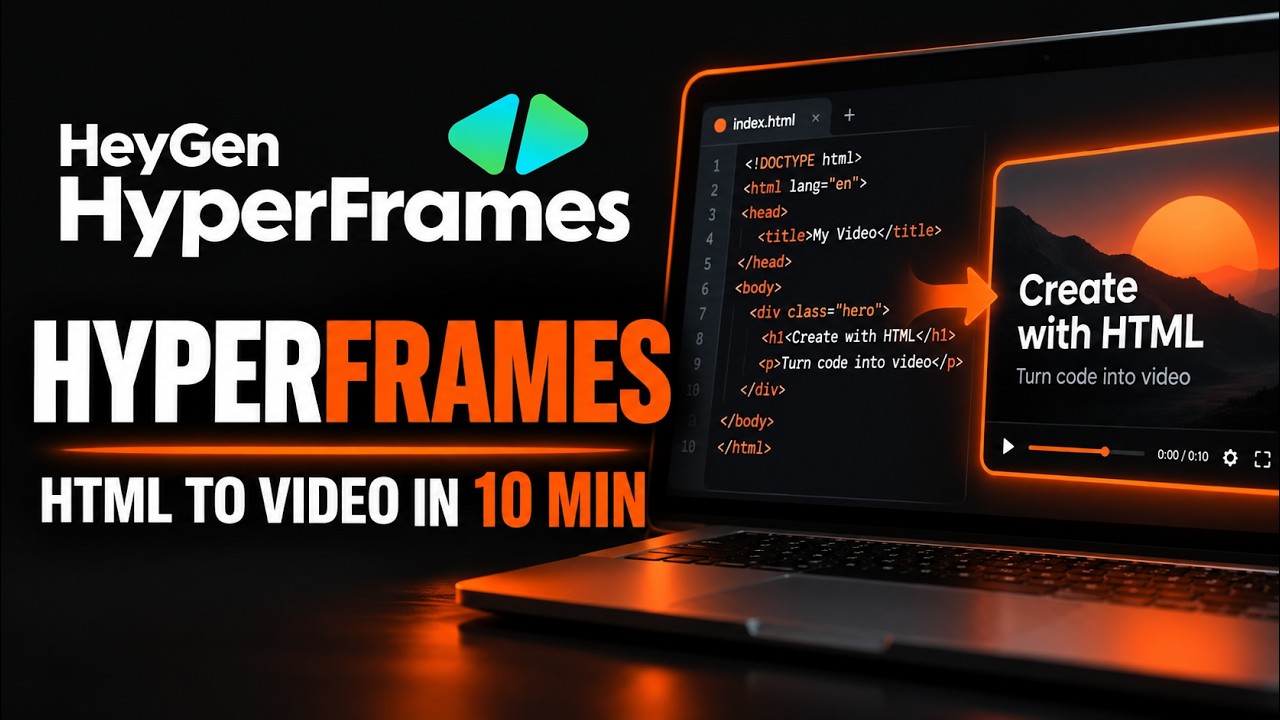
HyperFrames is an open-source framework from HeyGen that turns plain HTML, CSS, and JavaScript animation into a deterministic, rendered MP4 video, no timeline editor and no React project required. It is climbing GitHub's daily trending list with more than 700 stars in a single day on top of over 45,000 total, and the whole path from an empty folder to a finished video file takes about ten minutes.
- Ships as a single CLI, hyperframes, that scaffolds, previews, lints, and renders projects that are just HTML files with timing attributes, no bundler or build step involved.
- The renderer seeks every frame in headless Chrome and encodes the result with FFmpeg, so the same composition always produces the same video, frame for frame, every time you render it.
- Twenty bundled skills teach AI coding agents like Claude Code, Cursor, Gemini CLI, and Codex to plan, animate, and render these compositions from a plain-English prompt.
- Apache 2.0 licensed and free to self-host; paid hosted extras like cloud rendering and shareable publish links sit on top for teams that want them, but are not required for anything in this guide.
The exact steps, start to finish
- Step 1. Check your machine is ready.
HyperFrames needs Node.js 22 or newer and FFmpeg on your PATH. The$ node --version $ ffmpeg -version $ npx hyperframes doctordoctorcommand checks both, plus Chrome and disk space, in one pass and tells you exactly what is missing. - Step 2. Scaffold a new project.
This drops a working composition, an$ npx hyperframes init my-video --example warm-grainindex.html,hyperframes.json, and acompositions/folder, into a newmy-video/directory, ready to preview or render immediately. Swapwarm-grainforblankto start from nothing, or run the command without--exampleto pick interactively from the full template list. - Step 3. Move into the project folder.
$ cd my-video - Step 4. Preview it live in the browser.
This starts a local Studio server, by default at$ npm run devhttp://localhost:3002, with a live-reload preview of the composition, so edits to the HTML show up instantly with nothing to re-render. - Step 5. Render it to a real MP4.
On a mid-range laptop this rendered a 10-second, 1920x1080 clip in about 18 seconds and wrote$ npm run renderoutput.mp4straight into the project folder. HyperFrames seeks every frame in headless Chrome and stitches the result with FFmpeg, so the same HTML always produces the same video, no matter how many times you run it. - Step 6 (optional). Teach an AI coding agent to write videos for you.
This installs HyperFrames' twenty bundled skills into Claude Code, Cursor, Gemini CLI, Codex, or any agent that supports the skills format, so you can describe a video in plain English and have the agent write, lint, and render the HTML for you. No account is needed for this step either; it only reads from GitHub.$ npx skills add heygen-com/hyperframes - Step 7. Watch it play. Open the rendered
output.mp4in any video player, or leavenpm run devrunning and watch the Studio preview update live as you edit the HTML. That is the full loop working end to end, nothing uploaded, no account created.
What is HyperFrames and why is it trending?
HyperFrames is built by HeyGen, the AI video and avatar company, as an open-source engine for turning HTML into video. It treats a composition as a plain index.html file: elements get data-start and data-duration attributes for timing, tracks stack with data-track-index, and animation comes from GSAP, CSS keyframes, Lottie, Three.js, Anime.js, or the Web Animations API, whatever runtime you already know. It bills itself as agent-friendly first: since coding agents already write HTML fluently, HyperFrames ships twenty ready-made skills that teach an agent the whole production loop, plan, write, animate, lint, preview, render. That fits a broader shift toward tools built for agents to operate, not just humans, and it is a big part of why the repository is picking up hundreds of stars a day right now. Version 0.8.31 shipped September 7, 2026, the license is Apache 2.0 with no per-render fees, and adopters already listed publicly include tldraw and TanStack.
RelatedWeKnora Setup: Self-Host Tencent's Open Source RAG Platform
How do you install HyperFrames on Windows, macOS, and Linux?
Installation barely changes across operating systems, because HyperFrames ships as an npm package run with npx, so the CLI commands above work identically on Windows, macOS, and Linux once two prerequisites are in place. First, Node.js 22 or newer, from nodejs.org or a version manager like nvm. Second, FFmpeg, a standard tool with well-known installers per platform: brew install ffmpeg on macOS with Homebrew, sudo apt install ffmpeg on Debian or Ubuntu, and winget install Gyan.FFmpeg on Windows 10 or 11. Once both are on your PATH, npx hyperframes doctor confirms it and also reports on Chrome, which HyperFrames downloads and manages itself on first render (a one-time, roughly 114 MB download). Prefer not to retype npx every time? npm install -g hyperframes installs the CLI globally.
How do preview, render, and the agent skills actually work?
Preview and render are two paths over the same composition. npm run dev opens Studio, a browser-based editor that plays the HTML back with live reload, so a CSS timing tweak or GSAP change shows up in under a second, no render required. When it looks right, npm run render hands the same HTML to headless Chrome, which steps through it frame by frame using the browser's own animation engine and pipes the captured frames into FFmpeg. Because Chrome is driven deterministically rather than just recorded at wall-clock speed, the same composition produces identical frame timing on every run, which is what makes it usable in CI, not just one-off exports. The agent-skills layer sits on top: npx skills add heygen-com/hyperframes installs a router skill, /hyperframes, plus domain skills for animation, keyframes, and audio, so an agent reading "create a 10-second product intro with a fade-in title" knows to scaffold, write the HTML, wire up GSAP, lint it, and render it with these same commands.
What are the gotchas before you rely on it?
A few things are worth knowing before HyperFrames becomes part of your workflow. First, the very first render on a fresh machine pauses to download a headless Chrome build (about 114 MB); every render after that is fast. Second, running init non-interactively without --example, --video, or --audio fails outright instead of prompting, intentional for scripts and CI, but easy to mistake for a bug the first time. Third, hyperframes doctor also checks for Docker, which only matters for the optional AWS Lambda distributed-rendering path; a "Docker not running" line does not block anything in this tutorial. Fourth, hyperframes publish needs an account and hands back an authentication-required claim link when you are signed out, while init, preview, render, and installing skills all work with zero sign-in. Finally, a console warning about a GSAP target "not found" usually just means an element is not present in every frame, not a broken install; check composition health with npx hyperframes lint instead of reading raw render logs.
RelatedColibri Setup: Run a 744B AI Model on Your Own PC
| Trait | HyperFrames | Remotion |
|---|---|---|
| Authoring model | Plain HTML, CSS, and an animation adapter | React components |
| Build step | None, index.html plays as-is | Bundler required |
| Agent handoff | Plain HTML files an agent can read and edit directly | A JSX/React project |
| Animation timing | Frame-accurate, seekable via adapters | Wall-clock patterns need extra care |
| Distributed rendering | Local, plus AWS Lambda | Remotion Lambda, a mature cloud renderer |
| License | Apache 2.0 | Source-available Remotion License |
- Skills-first adoption. Whether most new users approach HyperFrames through an AI agent describing a video in plain English, rather than hand-writing composition HTML, and whether that shifts what the CLI optimizes for next.
- Adoption beyond HeyGen. The README already lists tldraw and TanStack as adopters; whether that list grows into a real ecosystem of reusable catalog blocks is the next signal to watch.
- Studio's maturity. The browser editor is marked "available, evolving"; whether it becomes good enough that non-developers can build compositions without touching HTML.
- Where the paid line lands. Cloud rendering and publish/claim links already require an account; watch whether more of the local-first workflow stays free as the hosted product grows around it.
Our take
HyperFrames is making a clean, legible bet: that plain HTML and CSS are a lower floor than a React project for both humans and AI agents to write video from, and the tooling backs that up rather than just asserting it, one CLI, one command each to scaffold, preview, and render, and a pipeline built to be deterministic instead of merely fast. Comparing it to Remotion is fair rather than dismissive; the two solve the same problem for different authors, and a team already fluent in React has little reason to switch. What makes it worth a look right now is the agent-skills layer, twenty published skills that let a coding agent run the whole plan-write-animate-render loop from a sentence, at a moment when more content pipelines are agent-driven than timeline-clicked. The honest caveat is that the catalog of reusable blocks and the Studio editor are both explicitly still evolving, so a polished composition today still means hand-writing some GSAP. That is a fair trade for an Apache-licensed tool that renders a first video in about ten minutes, nothing uploaded, no account required.
- Officialheygen-com/hyperframes repository and README
- OfficialHyperFrames Releases v0.8.31 changelog
- Officialhyperframes.heygen.com full documentation and quickstart
- ReferenceRemotion the React-based renderer HyperFrames compares itself against
Original analysis by GenZTech. Tool documentation: heygen-com/hyperframes on GitHub.