
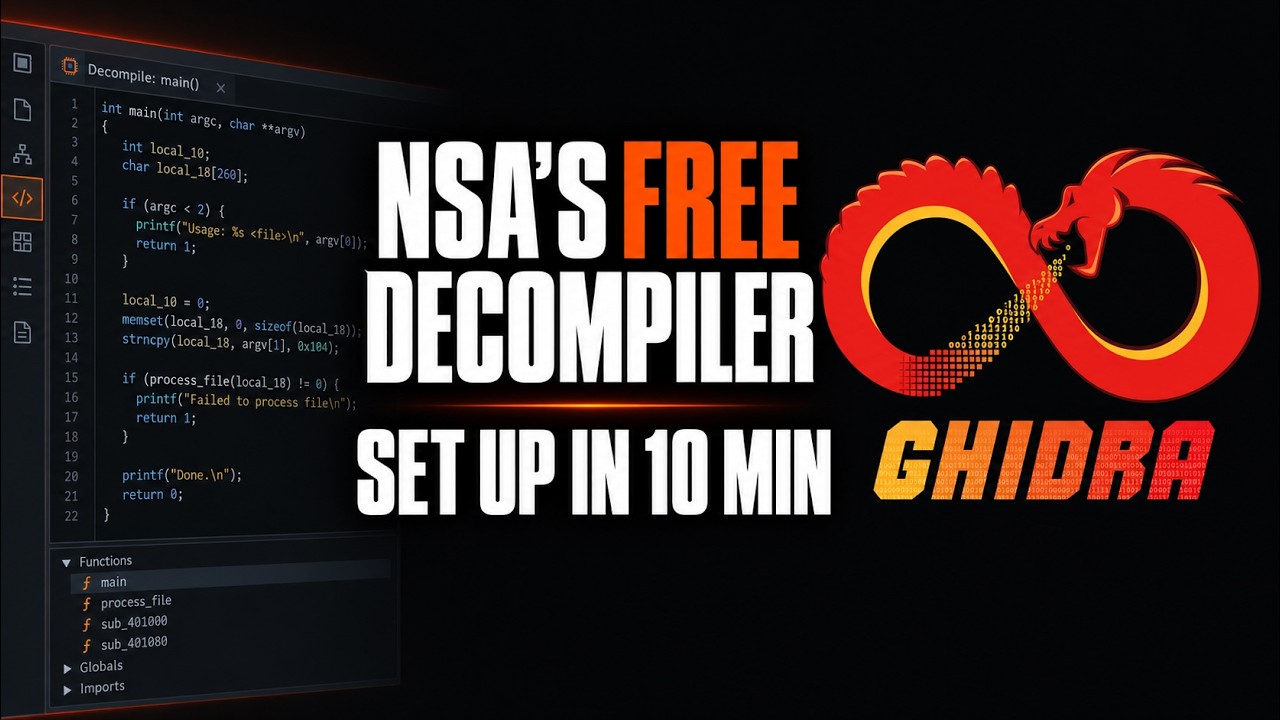
Ghidra is a free, open source software reverse engineering framework built and maintained by the NSA Research Directorate: it takes a compiled program you have no source code for, disassembles it, and decompiles it back into readable C, on Windows, macOS and Linux. It is back on GitHub trending today with roughly 755 new stars on top of 76,600 total, and it remains the only tool in its class that costs nothing and ships its decompiler for every processor it supports. Setup takes about 10 minutes: install a 64-bit JDK 21, unzip the 543 MB Ghidra 12.1.3 release, launch ghidraRun, and import your first binary.
- Ghidra 12.1.3 (August 18, 2026) is a 543 MB zip with no installer: extract it, run
ghidraRun, and delete the folder to uninstall. - The only hard requirement is a 64-bit JDK 21 on your PATH; the 12.2 code on the master branch has already moved to JDK 25.
- Prebuilt native components ship for Windows x64 and Linux x64 only; the docs list macOS on Intel and Apple Silicon among the platforms where you build them yourself with one Gradle command.
- Beyond the GUI you get a headless batch analyzer and PyGhidra, native CPython 3 access to the whole API, so it slots into automated pipelines.
The exact steps, start to finish
- Step 1. Check what you already have.
If# Ghidra 12.1.3 needs a 64-bit JDK 21; Python 3.9 to 3.14 is optional (debugger + PyGhidra) java -version python3 --versionjava -versionprints anything other than a 21.x JDK, or nothing at all, do Step 2. On Windows the Python check ispython --version. The Getting Started guide also asks for 4 GB of RAM and about 1 GB of disk for the installed binaries. - Step 2. Install JDK 21 and put it on your PATH. The README points at Adoptium Temurin (adoptium.net/temurin/releases); the docs also list Amazon Corretto. Package managers work too. If you extract a tarball by hand, the Getting Started guide's Linux and macOS recipe is:
On Windows, extract the zip, open System, Advanced system settings, Environment Variables, and add the JDK'star xvf <JDK distribution .tar.gz> # then, at the very end of ~/.bashrc: export PATH=<path of extracted JDK dir>/bin:$PATHbinfolder toPath. Restart any open terminals afterwards. - Step 3. Download the release zip. From the Releases page, open the Assets drop-down and grab
ghidra_12.1.3_PUBLIC_20260817.zip(543 MB). The README is explicit that the two files named Source Code are the wrong download. The release notes publish the SHA-25693a5d11a9ad510622acaaf908c556a7b9b764d338e78a7567f3689bf5081fd54so you can check the file before trusting it. - Step 4. Extract it, never on top of an old install.
The extracted folder is your# macOS only, before extracting: stop Gatekeeper quarantining the native binaries xattr -d com.apple.quarantine ghidra_12.1.3_PUBLIC_20260817.zip # every platform: any unzip tool works unzip ghidra_12.1.3_PUBLIC_20260817.zip<GhidraInstallDir>. Keep!and^out of the path: the Known Issues list says Ghidra will not launch from either. - Step 5 (macOS and Linux ARM only). Build the native components. The 12.1.3 docs ship prebuilt natives for Windows x64, Windows ARM64 and Linux x64. Everyone else needs Xcode Command Line Tools (
xcode-select --install) or GCC plus make, then:
The Gradle wrapper downloads Gradle itself, so an internet connection is the only extra requirement.cd <GhidraInstallDir>/support/gradle/ ./gradlew buildNatives - Step 6. Launch Ghidra.
The first launch prints the licence agreement, then opens the Project Manager window. If it fails with The 'java' command could not be found or Failed to find a supported JDK, Step 2 is incomplete.# Linux and macOS ./ghidraRun # Windows, from cmd.exe ghidraRun.bat # Windows, from PowerShell .\ghidraRun.bat - Step 7. Analyze your first binary. In the Project Manager choose File, New Project, keep Non-Shared Project, and name it. Then File, Import File, pick any executable you are allowed to analyze (a small utility from your own machine is a good first target), and accept the detected format and language. Double-click the imported program to open the CodeBrowser and answer Yes when it asks to analyze. When the progress bar finishes, the Decompile window on the right shows C for whatever function you click in the listing, and the Symbol Tree on the left lists every function it found.
- Step 8. Do the same thing without the GUI. The headless analyzer lives in
support/. The docs' first example imports one binary into a project named Project1, analysis on:
On Windows the script isanalyzeHeadless /Users/user/ghidra/projects Project1 -import /binaries/binary1.exesupport\analyzeHeadless.batfrom cmd.exe, or.\support\analyzeHeadless.batfrom PowerShell, with the same arguments. Add-postScriptto run a Ghidra script after analysis, and-deleteProjectto clean up afterwards. We ran exactly this on OpenJDK's ownkeytool.exewhile writing this guide: Ghidra picked the PE loader and thex86:LE:64:default:windowslanguage on its own, every analyzer finished in 12 seconds on a laptop, and a short post-script that asks the decompiler for the first functions printed a recognizable printf wrapper out of 126 recovered functions. - Step 9 (optional). Drive it from Python. Launch the GUI in PyGhidra mode with
./support/pyghidraRun(support\pyghidraRun.baton Windows); the script offers to install the module for you. For standalone scripts, the PyGhidra README's install ispip install pyghidra, and settingGHIDRA_INSTALL_DIRto your extracted folder tells it which Ghidra to use.
What is Ghidra and why is it trending?
Ghidra is the reverse engineering suite the NSA built for its own analysts and open sourced in 2019 under the Apache 2.0 licence. It is Java with native C++ for the decompiler, and it covers the whole workflow: loaders for PE, ELF, Mach-O and dozens of other formats, Sleigh-driven disassembly for x86, ARM, MIPS, RISC-V, PowerPC and more, a decompiler that produces C-like pseudocode, a debugger, Version Tracking to diff builds, BSim for similar-function search, and a multi-user Ghidra Server. The repository sits at 76,611 stars and 8,443 forks, with the last commit landing yesterday.
RelatedVoiceStudio Setup: Clone Voices Locally, No Cloud
The trending spike is not tied to a fresh release; 12.1.3 shipped on August 18, 2026. It is the steady state of a tool that has become the default answer whenever there is firmware to inspect, a malware sample to triage or a CTF to solve, and the commercial alternative costs more than most students and small teams will pay. Ghidra 12.1 itself brought reworked Objective-C analyzers, bitfield recovery in the decompiler, a Hexagon processor module, debuginfod symbol fetching, new output options for the Microsoft demangler, and two security fixes, one for RMI deserialization and one for Ghidra Server PKI authentication, which is why the release notes push existing server installs to upgrade.
How do you install Ghidra on Windows?
Windows is the easiest platform because the release includes prebuilt native components for x86-64 and, through emulation, ARM64. Install a Temurin or Corretto JDK 21 with its installer, which handles the PATH for you, then extract the zip somewhere sensible. Known Issues flags two Windows traps: older 7-Zip versions choke on the zero-byte files in the archive, so use Explorer or a current 7-Zip, and a ^ in the install path stops Ghidra launching. Then run ghidraRun.bat. Nothing touches the registry, no Start menu shortcut appears, and uninstalling is deleting the directory.
How do you install Ghidra on macOS and Linux?
Linux x86-64 is a mirror of Windows: install JDK 21 from your distribution's package repository, extract the zip, run ./ghidraRun. Install Python with pip the same way if you want the debugger or PyGhidra. Two Linux gotchas: non-reparenting window managers such as Sway can render blank Ghidra windows unless you uncomment ENVVARS_LINUX=_JAVA_AWT_WM_NONREPARENTING=1 in support/launch.properties, and the release notes warn about an X.org regression that crashed the whole session until xorg-server 21.1.13 and xwayland 23.2.6.
macOS needs one extra step. The 12.1.3 Getting Started guide lists prebuilt native binaries for Windows and Linux x86-64 only, and puts macOS on both Intel and Apple Silicon among the platforms that use user-built natives, alongside Linux ARM64 and the BSDs. So after extracting, install the Command Line Tools with xcode-select --install, change into support/gradle/ and run ./gradlew buildNatives; the wrapper fetches Gradle itself. Run xattr -d com.apple.quarantine on the zip first so Gatekeeper leaves the binaries alone, then ./ghidraRun launches as on Linux.
How do you run Ghidra headless or from Python?
The GUI is where you read code, but the same analysis engine runs without it. support/analyzeHeadless takes a project location and name, an -import file or directory (-recursive for trees), optional -preScript and -postScript hooks, and flags like -noanalysis, -overwrite and -deleteProject. That is the piece you wire into a CI job or a triage queue.
PyGhidra is the other automation door. Ghidra 12 folded the community Pyhidra project into the distribution, so a native CPython 3 interpreter calls the entire Java API through JPype: support/pyghidraRun gives you a Python console inside the GUI, and pip install pyghidra plus GHIDRA_INSTALL_DIR lets an ordinary script open a project and walk its functions. The flip side in 12.1: Jython is no longer installed by default and ships as an extension, so legacy Jython scripts need the extension or a port to CPython.
RelatedOpenStock Setup: Self-Host a Free Stock Tracker in 20 Minutes
How does Ghidra compare with IDA Pro and Binary Ninja?
| Trait | Ghidra 12.1.3 | IDA Pro | Binary Ninja | radare2 + Cutter |
|---|---|---|---|---|
| Price | Free, Apache 2.0 | Commercial licence | Commercial licence | Free, open source |
| Source available | Yes, full | No | No | Yes |
| Decompiler | Built in, all CPUs | Hex-Rays, licensed separately | Built in | Via plugins |
| Scripting | Java, CPython 3 | IDAPython, IDC | Python, C++ API | r2pipe, many languages |
| Team projects | Ghidra Server included | Separate products | Enterprise tier | Not built in |
| Maturity | NSA internal since the 2000s | Industry standard, decades | Younger, fast moving | Community driven |
IDA still wins on polish and community depth, and experienced analysts often keep both open. Ghidra wins on price, on a decompiler that covers every processor for free, and on being inspectable all the way down. For a learner it is now the obvious first tool, which is what the star count says.
What are the gotchas before you rely on it?
First, Java versions are strict in both directions. 12.1.x requires JDK 21 at minimum, and the master branch that will become 12.2 has already moved to JDK 25 and Gradle 9.1, so a nightly build will not launch on the JDK this tutorial installs. With several JDKs installed, JAVA_HOME_OVERRIDE in support/launch.properties pins the one Ghidra uses. Second, the README opens with a security warning and links a Security Advisories page: Ghidra parses hostile input for a living, so keep it current, especially the server. Third, macOS users build the natives themselves, which means Xcode tooling and a Gradle download before first launch. Fourth, opening an old project upgrades its database, and once saved it will not open in earlier versions, so back up .rep directories and .gpr files first. None of that blocks a first session; all of it matters the day Ghidra holds your team's findings.
- The 12.2 line. Master already requires JDK 25 and Gradle 9.1; when it ships, every existing install gets a mandatory Java upgrade along with the new features.
- macOS native binaries. Apple Silicon has been mainstream for years; whether prebuilt macOS natives return to the release is the single biggest quality of life question for Mac users.
- AI assistants on top. Plugins that pipe decompiler output into language models are multiplying; PyGhidra makes that trivial, and it will change what a first Ghidra session looks like.
Our take
Seven years after its public release, Ghidra has done something unusual for a government project: it kept shipping. Two point releases on 12.1 since May, a full CPython bridge, reworked Objective-C analyzers, a new Hexagon processor module and a server security fix inside one year is the cadence of a maintained product, not a code dump. The remaining friction sits at the edges of the install: a JDK pinned to one major version, a macOS build step Apple users should not still need in 2026, and a security posture that matters precisely because the tool is so widely deployed. Inside the tool, the decompiler is the story. Getting readable C out of arbitrary firmware for free changed who gets to do reverse engineering at all, and the daily trending slot it keeps reclaiming is the market saying thank you.
- OfficialNationalSecurityAgency/ghidra repository, README and install instructions
- OfficialGhidra 12.1.3 release 543 MB zip, SHA-256, What's New and Change History links
- OfficialGetting Started with Ghidra requirements, native components, launch modes, known issues
- OfficialHeadless Analyzer README analyzeHeadless usage and examples
- OfficialPyGhidra README pip install and API
- ReferenceAdoptium Temurin JDK 21 builds the README links to
Original analysis by GenZTech. Tool documentation: NationalSecurityAgency/ghidra on GitHub.