
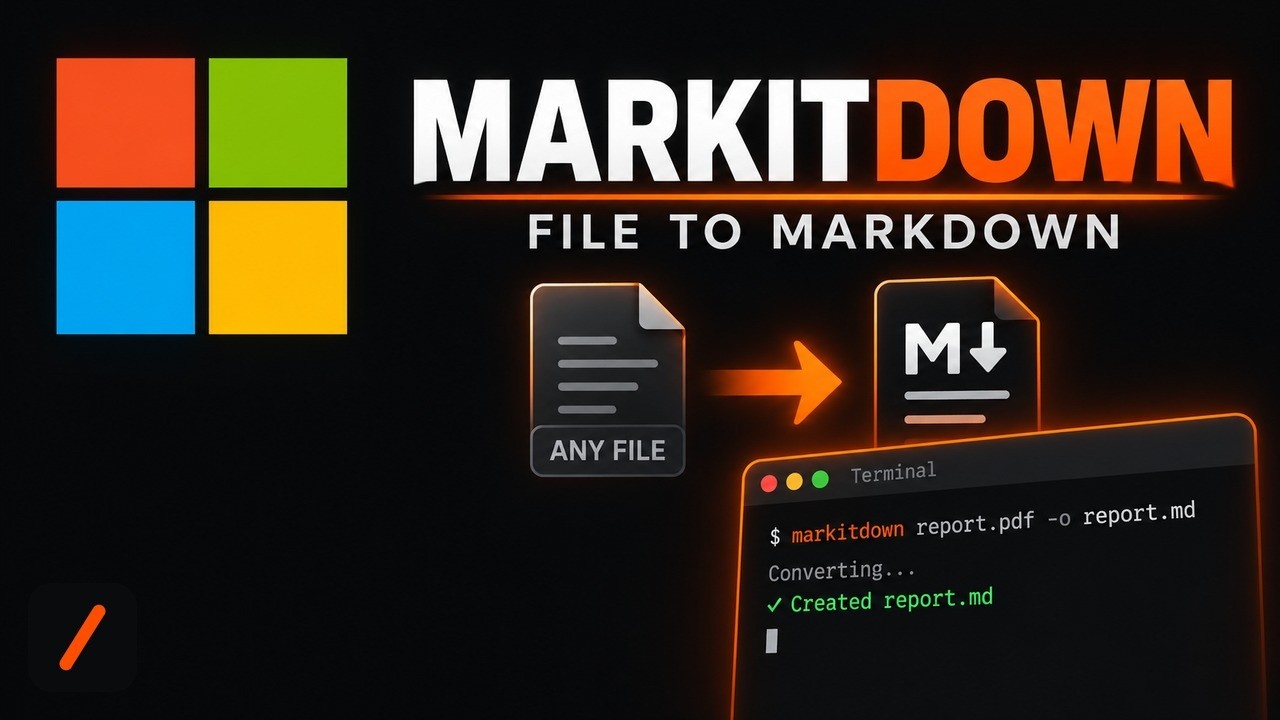
MarkItDown is a free, MIT-licensed Python tool from Microsoft that converts PDFs, Word docs, Excel sheets, PowerPoint decks, images, audio, HTML and a dozen other file types into clean Markdown built for feeding into an LLM. It just spiked on GitHub's daily trending chart with over 2,000 new stars in a single day, on top of roughly 180,000 total. Setup takes about five minutes: one pip install gets you a working command-line converter with no account and no API key required.
- MarkItDown is a command-line tool and Python library that turns files into LLM-ready Markdown, preserving headings, tables and links instead of dumping raw text.
- It's free, MIT licensed, and runs entirely on your machine: no signup, no API key, and your files never leave your computer for the core conversion path.
- Supports PDF, Word, Excel, PowerPoint, images, audio, HTML, CSV, JSON, ZIP archives, EPubs and YouTube URLs out of the box, with a 3rd-party plugin system for more.
- Optional add-ons bolt on OCR via an LLM vision model or Azure Document Intelligence for higher-fidelity extraction, but neither is required to get started.
The exact steps, start to finish
- Step 1. Check your prerequisites. MarkItDown needs Python 3.10 or newer.
# confirm Python is installed and new enough python --version pip --version - Step 2. Create and activate a virtual environment. Keeps MarkItDown's dependencies isolated from the rest of your system.
On Windows, activate with# standard venv python -m venv .venv source .venv/bin/activate.venv\Scripts\activateinstead of thesourceline above. If you useuv, the README's variant isuv venv --python=3.12 .venvfollowed by the samesource .venv/bin/activate. - Step 3. Install MarkItDown with every optional converter enabled.
Prefer a lighter install? Swap in only the formats you need, for example# installs pdf, docx, pptx, xlsx and every other built-in converter pip install 'markitdown[all]'pip install 'markitdown[pdf, docx, pptx]'. - Step 4. Confirm the CLI is on your PATH, and that you got a current version.
# confirms the CLI works and lists installed plugins markitdown --list-plugins # confirms WHICH version landed, see the gotchas section below for why this matters pip show markitdown - Step 5. Convert a real file. This is the payoff step. Point it at any PDF, Word doc or spreadsheet already on your machine.
Open# convert path-to-file.pdf into document.md markitdown path-to-file.pdf -o document.mddocument.mdand you'll see headings, lists and tables carried over from the source file, not a wall of unstructured text. Piping works too:cat path-to-file.pdf | markitdown. - Step 6 (optional). Add OCR-powered image descriptions. Only needed if you want MarkItDown to describe embedded images using an LLM vision model.
Then pass an# optional: OCR plugin plus an OpenAI-compatible client pip install markitdown-ocr pip install openaillm_clientandllm_modelfrom the Python API, shown further down.
What is MarkItDown and why is it trending?
MarkItDown started as a small Microsoft utility for a specific chore: taking whatever file format a document happens to be in and turning it into Markdown, the format large language models read most naturally. GPT-4o and most other mainstream models were trained on huge amounts of Markdown-formatted text and produce it unprompted, so feeding a model Markdown instead of raw PDF text or an HTML dump tends to get better results out of RAG pipelines and document-analysis agents. Three years after its first release the project has grown into one of the most starred tools on GitHub, and its README lists specific in-scope contributions: the CLI, the markitdown-mcp package for wiring it into an MCP-compatible agent, and steady fidelity improvements to existing converters. The trending spike lines up with that scope, plugin activity has picked up through early September, including the new markitdown-ocr plugin that adds LLM-based OCR without pulling in any new binary dependencies.
RelatedWeKnora Setup: Self-Host Tencent's Open Source RAG Platform
How do you install MarkItDown on Windows, macOS and Linux?
Because MarkItDown ships as a pure Python package on PyPI, installation is identical across all three operating systems once Python 3.10+ is on the machine. Windows users should grab Python from python.org or the Microsoft Store, then run the same pip install 'markitdown[all]' command from PowerShell or Command Prompt, only the virtual-environment activation line changes to .venv\Scripts\activate. macOS and Linux users can use whatever Python 3.10+ they already have, or a version manager like pyenv, and the README's Anaconda path works identically everywhere too: conda create -n markitdown python=3.12 followed by conda activate markitdown. There's also an official Docker route if you'd rather not touch a local Python environment at all:
# build and run MarkItDown in a container instead
docker build -t markitdown:latest .
docker run --rm -i markitdown:latest < ~/your-file.pdf > output.md
That path needs the repository cloned first (git clone git@github.com:microsoft/markitdown.git) since the Dockerfile lives in the source tree, not on PyPI.
What can you do with it beyond the command line?
The CLI covers most one-off conversions, but the Python API is where MarkItDown fits into a real pipeline, feeding a RAG index, a document-search tool, or an agent that needs to read whatever a user uploads:
# basic Python usage
from markitdown import MarkItDown

md = MarkItDown(enable_plugins=False)
result = md.convert("test.xlsx")
print(result.markdown)
For image-heavy files like scanned PDFs or slide decks, passing an llm_client unlocks image descriptions in the output, using the same OCR plugin installed in step 6 above:
# describe images with an LLM during conversion
from markitdown import MarkItDown
from openai import OpenAI

md = MarkItDown(
    enable_plugins=True,
    llm_client=OpenAI(),
    llm_model="gpt-4o",
)
result = md.convert("document_with_images.pdf")
print(result.markdown)
If no llm_client is supplied, the plugin still loads and OCR is silently skipped in favor of the standard built-in converter, so nothing breaks if you leave the API key out.
Relatedbook-to-skill Setup: Turn Any Book PDF Into an Agent Skill
What are the gotchas before you rely on it?
Four things worth knowing before you wire this into anything important. First, the maintainers are explicit that this repository stays a library, not an application: web servers, REST APIs, hosted conversion services, and desktop or mobile GUIs are all explicitly out of scope for contributions, so anything user-facing has to be built as a separate project depending on the markitdown package. Second, treat untrusted input carefully. MarkItDown reads files and fetches URLs with the same privileges as the process running it, so the README's own security section warns against passing unsanitized input from an untrusted user straight into convert() in a server-side app, and recommends the narrower convert_local() or convert_stream() calls instead. Third, video is not supported by the built-in converters at all, only Azure Content Understanding handles it, so if your use case involves video files you'll need that paid Azure integration rather than the free local path. Fourth, and this one we hit ourselves testing this exact tutorial: on brand-new Python releases, the plain pip install 'markitdown[all]' command can silently install a very old version instead of erroring. On Python 3.14 it resolved the [all] extra down to MarkItDown 0.0.2 instead of the current 0.1.7, because the bundled youtube-transcription extra pins an old youtube-transcript-api release with no Python 3.14 build, and pip quietly backtracked to whichever MarkItDown version sidesteps that conflict. Nothing in the install log flags this as an error, which is exactly why step 4's pip show markitdown check above is not optional busywork. If you land on anything older than 0.1.x, drop the YouTube extra and install specific formats instead: pip install 'markitdown[pdf,docx,pptx,xlsx,outlook]'.
| Trait | MarkItDown | Apache Tika | Unstructured.io | Docling |
|---|---|---|---|---|
| Output format | Markdown, tuned for LLMs | Plain text / XHTML | Structured JSON elements | Markdown or JSON |
| Install | One pip install, pure Python | Needs a JVM | pip install, heavier deps | pip install, pure Python |
| License | MIT | Apache 2.0 | Apache 2.0 | MIT |
| Backed by | Microsoft | Apache Foundation | Unstructured (company) | IBM Research |
| LLM-oriented by default | Yes, that's the whole point | No, general text extraction | Partial, needs extra formatting | Yes |
- Plugin ecosystem growth. The
#markitdown-plugintag on GitHub is where new format support will land now that the core repo has explicitly closed the door on scope creep. - markitdown-ocr adoption. A lightweight LLM-based OCR path that needs no new ML libraries is a meaningfully lower-friction option than bundling Tesseract, worth watching if it becomes the default recommendation.
- Video support. Currently locked behind paid Azure Content Understanding; a free local path would close MarkItDown's biggest capability gap against tools built for multimodal pipelines.
Our take
MarkItDown's trending spike is a good reminder that not every popular repository is a brand-new project riding a launch-day wave. This one is three years old with 180,000 stars already, and it's still adding roughly 2,000 stars in a day because the underlying need, cheaply and reliably turning any file into the format an LLM reads best, keeps getting more relevant as more of what people build is RAG pipelines and document-reading agents. The maintainers' decision to keep the repository narrowly scoped to the library itself, pushing servers, APIs and GUIs out to separate plugin-style projects, is unusually disciplined for a project this popular, and it is a big part of why the install stays a single pip command with no server to babysit. If your project needs to hand a language model a PDF, a spreadsheet, or a folder of mixed files, this is the shortest path from "here's a file" to "here's Markdown" available today.
- Officialmicrosoft/markitdown repository and README
- Officialmarkitdown on PyPI package listing and version history
- OfficialMarkItDown Releases latest tagged version
- ReferenceAzure Content Understanding docs the paid path for video and structured field extraction
Original analysis by GenZTech. Tool documentation: microsoft/markitdown on GitHub.