
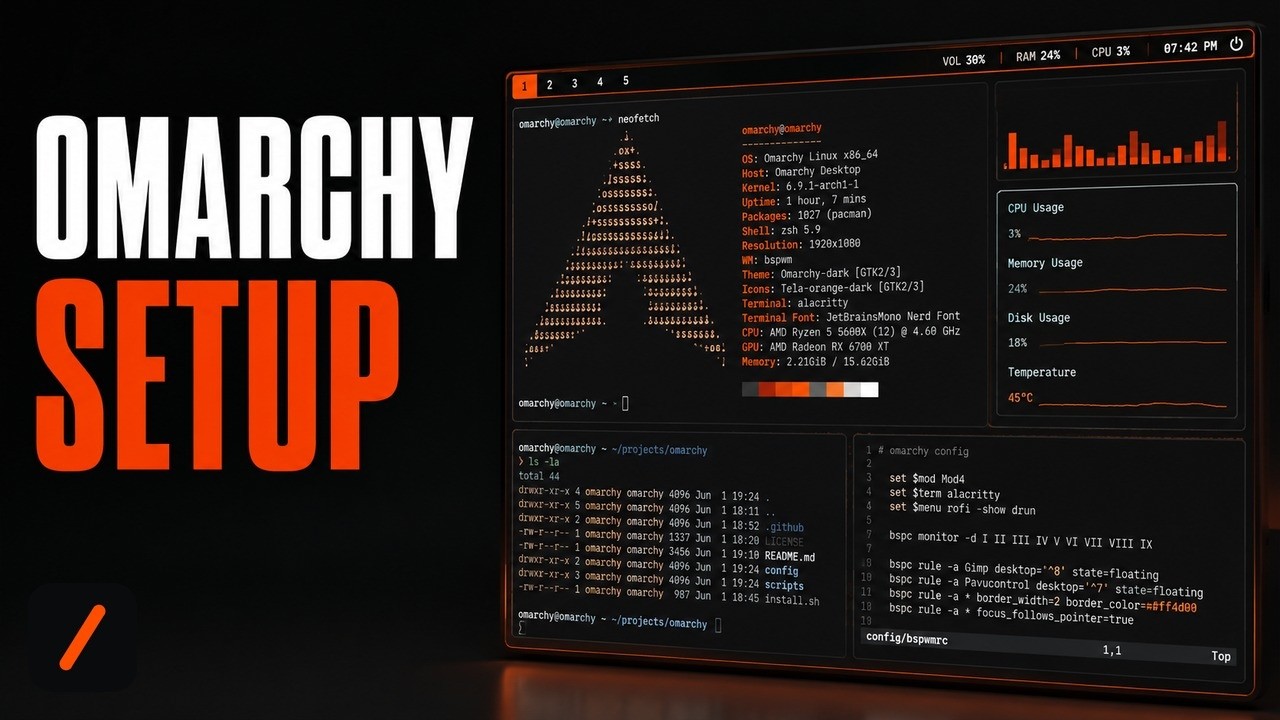
Omarchy is a free, open source Linux distribution built on Arch, Hyprland and Quickshell that installs a complete, opinionated desktop from a single ISO, and it just picked up over 1,000 stars in a day on GitHub's trending page. The push comes from version 4.0, nicknamed Quattro, which rewrites the entire desktop shell and can finish a from-scratch install in under a minute.
- Omarchy installs from one ISO with full-disk encryption on by default, and Quattro's rewritten installer can finish in under 60 seconds on modern hardware.
- Quattro folds seven separate desktop daemons into one Quickshell process with a plugin architecture: the bar, launcher, notifications, on-screen displays, lock screen, wallpaper and the polkit prompt.
- It supports a free-space dual-boot install alongside Windows (after disabling BitLocker), and it can also run on Intel Macs, breathing new life into hardware Apple has moved past.
- It is MIT licensed and free, built by Basecamp co-founder DHH, and updates run through a guarded
omarchy updatecommand that snapshots your system before touching packages.
What is Omarchy and why is it trending?
Omarchy is what its manual calls an "omakase" Linux distribution: Arch underneath, the tiling window manager Hyprland for layout, and the desktop construction kit Quickshell for everything you see and click. It ships with a curated set of apps already installed and themed, Neovim, Chromium, Obsidian, LibreOffice, Kdenlive and OBS Studio among them, built by Basecamp and 37signals co-founder DHH around the idea that a beautiful system is a motivating one. It sits at nearly 30,000 stars and added 1,055 of them in a single day, driven by the August 14 release of version 4.0, nicknamed Quattro, the biggest release since the project started.
RelatedOpenCode Setup: Install the Open-Source AI Coding Agent
How do you install Omarchy?
Download the ISO from omarchy.org, write it to a USB stick with balenaEtcher on Mac or Windows or caligula on Linux, then boot from that stick. You have to disable Secure Boot and TPM in the BIOS first, since both are Microsoft security schemes that block third-party bootable media. Answer the setup questions, pick a target drive, and the installer takes over: full-disk encryption is on by default, and Quattro's rewritten installer can finish in under a minute on fast hardware, though older machines should budget under five. Before flashing the ISO, it is worth checking the download against the release's published hash:
# verify the ISO before flashing it to a USB stick
sha256sum omarchy-4.0.0.iso
# expect: 9224fab3720560f771969a99a499e5f7e0f8e2d6a0681d872d52f05fb5003da4
One catch worth planning around: full-disk encryption will not accept a password from a Bluetooth keyboard at startup, the same restriction that stops you entering a BIOS password over Bluetooth, so have a wired or 2.4GHz keyboard on hand for first boot.
How do you dual-boot Omarchy alongside Windows?
Omarchy does not require the whole drive. Shrink your Windows partition first (type "disk management" in the Start menu, right-click the partition, choose Shrink Volume), then boot the installer and pick Free Space Install instead of the full-disk option. The install still defaults to LUKS encryption on that partition, and if it complains about BitLocker, boot back into Windows and turn it off under Settings, Privacy & Security, Device Encryption. After install, Omarchy's default bootloader is Limine, and one command adds your other operating systems to its menu:
# add Windows Boot Manager (or other OS installs) to the boot menu
limine-scan
What can you do with the omarchy CLI?
Most day to day control happens through hotkeys and the Omarchy menu (Super + Space), but everything behind that menu is also scriptable through the omarchy command, useful both for your own keybindings and for handing an AI coding agent a way to reconfigure your desktop. Running it alone prints every group it controls:
# list everything the CLI can control
omarchy
# a few of the common ones
omarchy update
omarchy theme list
omarchy theme set <name>
omarchy screenshot
omarchy debug
That last one, omarchy update, is the important habit to build. It pulls the latest release from the Omarchy package repository, runs any pending migrations, and updates system packages from Omarchy's own Arch mirror and the AUR, all wrapped around an automatic snapshot. If you already know Arch and reach for a bare pacman -Syu or yay -Syu out of habit, Omarchy will block the direct upgrade and point you back at omarchy update, because a raw pacman transaction skips the snapshot and migration steps that keep the shell in sync with your packages.
RelatedVoiceStudio Setup: Clone Voices Locally, No Cloud
What are the gotchas before you rely on it?
Four things are worth knowing before you commit a machine to it. First, this replaces your OS rather than layering on top of one; the full-disk install path wipes the target drive, so back up first and use the free-space path if you want to keep an existing install alongside it. Second, Apple Silicon Macs are not supported yet, only Intel Macs, and T1-chip MacBook Pros specifically lose Touch Bar and sound. Third, if an update leaves your system in a bad state, roll back to the pre-update snapshot from the boot loader menu, run omarchy-debug to grab logs for the community Discord, or omarchy-reinstall as a last resort to reset packages and configuration to defaults. Fourth, this is a genuinely different way of using a computer: heavy on the terminal, config files you edit by hand, and a tiling window manager instead of draggable windows, so budget real time to adjust if you are coming from Windows or macOS.
| Trait | Omarchy | Arch + Hyprland (DIY) | Ubuntu 26.04 |
|---|---|---|---|
| Setup time | Often under a minute, budget five | Hours to days of manual dotfiles work | Roughly 10 to 15 minutes |
| Desktop shell | One themed Quickshell process | You wire up Waybar, Walker and friends yourself | GNOME, preconfigured |
| Update safety net | Snapshot + migrations via omarchy update | Bare pacman -Syu, no snapshot by default | apt, generally conservative releases |
| Disk encryption default | On (LUKS) | Manual setup | Optional at install |
| License / price | Free, MIT | Free, GPL | Free, GPL |
| Best for | Developers who want Arch's edge without owning the glue code | Arch purists who want full manual control | Newcomers who want maximum app and driver compatibility |
- The plugin ecosystem. Quickshell's plugin architecture is brand new in Quattro; whether omarchyplugins.com fills out with quality third-party plugins decides how far people push the shell past the defaults.
- Apple Silicon support. Intel Macs are officially supported today, but M-series remains explicitly unsupported; community progress lives in the Discord's #omarchy-on-other channel.
- The Arch mirror under load. Omarchy's stable channel tracks its own Arch mirror a month behind upstream by design; a fast-growing user base is the real stress test for that infrastructure holding up.
Our take
Omarchy's pitch is not that Arch Linux needed another wrapper, it is that the parts of running Arch people actually dread, wiring separate daemons into one coherent bar and launcher, remembering to snapshot before every pacman -Syu, patching kernels for oddball hardware, are exactly the parts DHH automated away. Quattro is the proof this is not a weekend dotfiles repo dressed up as a distro: replacing eight separate tools with one Quickshell process is the kind of structural rewrite that only happens when a project has real maintenance pressure and a real user base pushing back on it. The trade-off is honest too, this is Linux with the terminal front and center, not a Windows or macOS clone, and the manual says so on its first page. For a developer who already lives in a terminal and wants Arch's rolling releases without owning the glue code themselves, this is the shortest path there today.
- Officialbasecamp/omarchy repository, manual and README
- OfficialOmarchy v4.0.0 "Quattro" release notes ISO download, checksum and changelog
- Officialomarchy.org project site and ISO download
- ReferenceQuickshell the desktop shell construction kit Quattro is built on
- ReferenceHyprland the tiling window manager Omarchy configures out of the box
Original analysis by GenZTech. Tool documentation: basecamp/omarchy on GitHub.