
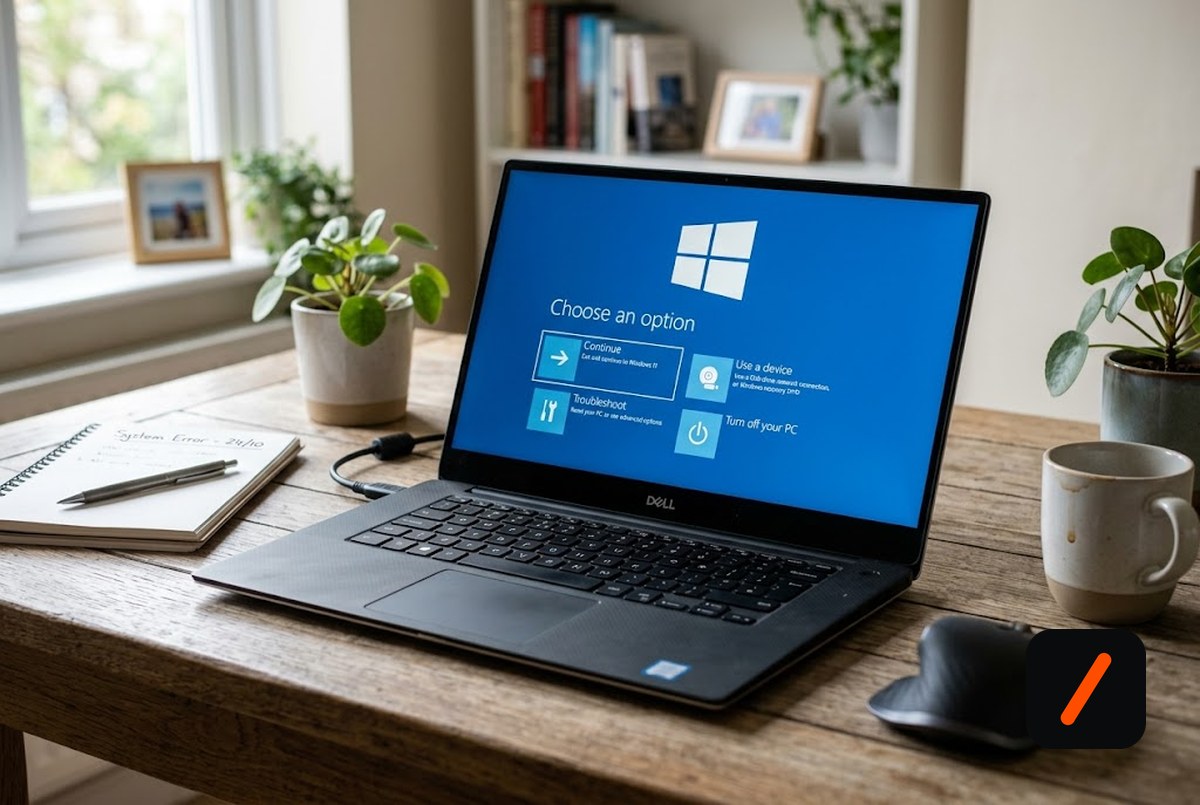
Microsoft is testing Cloud Rebuild, a new Windows 11 recovery tool that reinstalls the operating system and its drivers directly from Windows Update with no USB stick, and it runs even on a machine too broken to boot. The feature drew fresh coverage this morning off Experimental Insider build 26300.8772 for Windows 11 version 26H2, where it ships alongside a second new tool, Point-in-Time Restore, as part of Microsoft's Windows Resiliency Initiative. For anyone who has ever rebuilt a dead PC on a borrowed laptop and a thumb drive, this is the recovery flow Windows should have had years ago.
- Cloud Rebuild downloads both the Windows image and your device's drivers from Windows Update, so a wiped PC comes back fully functional without USB media or a custom image.
- It runs from the Windows Recovery Environment under Troubleshoot > Cloud rebuild, so it works when the installed OS is too corrupt to start.
- It is not data-preserving: unlike Reset this PC, Cloud Rebuild wipes files and apps for a clean slate, so a separate backup is still mandatory.
- Microsoft is wiring it into Intune so IT admins can trigger a remote rebuild across a fleet, choosing the Windows release and language from the portal.
What is Cloud Rebuild and how does it work?
Cloud Rebuild is a recovery option that restores a Windows 11 PC to a clean, known-good state by performing a full operating-system reinstall, even when Windows will not start. The critical difference from existing tools is where the bits come from: Cloud Rebuild pulls both the target Windows image and the specific drivers for your hardware down from Windows Update, so the machine boots back into a fully working state without USB media, without a custom recovery image, and without depending on the health of the currently installed OS. In the current preview it lives in the Windows Recovery Environment, reachable under Troubleshoot > Cloud rebuild, which means you can invoke it from a PC that refuses to load Windows at all.
RelatedMicrosoft Fixes Teams and Outlook Crashes on ARM Windows PCs
Why does downloading the drivers matter?
The driver part is the quiet breakthrough. A plain reinstall gets you a generic copy of Windows, and then the real pain begins: no working Wi-Fi driver, no chipset support, a laptop that cannot see its own trackpad, and a scavenger hunt across another device to find the right packages. Cloud Rebuild sidesteps that entirely by fetching the driver set matched to your machine at rebuild time, so the PC comes back online with networking and peripherals functioning on the first boot. That is what turns this from yet another wipe option into something a non-expert can actually finish alone. Fixing a borked PC becomes close to connect to Wi-Fi, pick Cloud rebuild, wait.
How is it different from Reset this PC?
Windows already has recovery flows, so the boundaries matter. Reset this PC can keep your files and, in some cases, reuse the local image on the drive, but that local image is exactly what a badly corrupted or non-booting install may no longer be able to provide. Cloud Rebuild trades data preservation for reliability: it does not offer a keep-my-files option, so it wipes apps and personal data and rebuilds a clean slate, but it does not need the sick OS to cooperate. Put simply, Reset this PC is the gentler tool when Windows still boots, and Cloud Rebuild is the heavier hammer for when it does not.
| Trait | Cloud Rebuild | Reset this PC | USB reinstall |
|---|---|---|---|
| Needs a working OS | No, runs in WinRE | Partly | No |
| USB media | None | None | Required |
| Fetches drivers | Yes, from Windows Update | Limited | Manual |
| Keep your files | No, clean wipe | Optional | No |
What does it mean for IT admins and security?
Cloud Rebuild is aimed as much at fleets as at individuals. Microsoft plans to surface it inside Intune so an administrator can trigger a rebuild remotely, selecting the desired Windows release and language, and the target device downloads the media and rebuilds itself with no technician on site and no hardware shipped to a service desk. That is a genuine time saver for a help desk facing a room of bricked laptops. The security caveats are real, though. On a BitLocker-protected device the user still needs the recovery key to reach WinRE, and analysts have flagged that a full cloud wipe could bypass a custom recovery environment or clear the very management tooling an organization relies on. Locking down who can trigger a rebuild will matter as much as the feature itself.
RelatedDebian 13.6 Ships a Fix for the Expired Secure Boot CA
When will it reach everyone?
Right now this is early. Build 26300.8772 rolls out through the Experimental channel for Windows 11 26H2, which is the least-baked ring Microsoft ships, so not every Insider even sees it yet, and features in this channel can change or vanish before release. Microsoft has signaled the Intune integration for both Cloud Rebuild and Point-in-Time Restore during the first half of 2026, with a broader consumer rollout expected in the months after testing settles. As always with Experimental builds, treat the exact timing as provisional: the direction is clear, the ship date is not.
- Reliability at scale. Whether Cloud Rebuild works over flaky or metered connections, since the whole point is downloading gigabytes of OS and drivers.
- Intune controls. How tightly admins can gate who triggers a rebuild, given the wipe can clear management tooling.
- Point-in-Time Restore. Whether the companion snapshot-style tool becomes the data-preserving counterpart Cloud Rebuild deliberately is not.
Our take
Cloud Rebuild is the rare Windows recovery change that fixes the part everyone actually hates. The wipe-and-reinstall has always been solvable; the misery was doing it from a second machine and then chasing drivers for an hour. Fetching the matched driver set from Windows Update and running the whole thing from WinRE is exactly the right design, and folding it into Intune makes it a real operational tool rather than a consumer curiosity. The honest asterisks are that it destroys your data, so it is a companion to backups rather than a replacement, and that a remote cloud wipe is a powerful capability that needs careful gating in managed environments. If Microsoft lands the reliability and the admin controls, this quietly becomes one of the most useful things in Windows 11.
- OfficialWindows Insider Blog July 6 2026 build announcement
- OfficialMicrosoft Learn Experimental build 26300.8772 release notes
- ReferenceBleepingComputer Cloud Rebuild and Point-in-Time Restore
Original analysis by GenZTech. Reporting informed by Windows Central.