
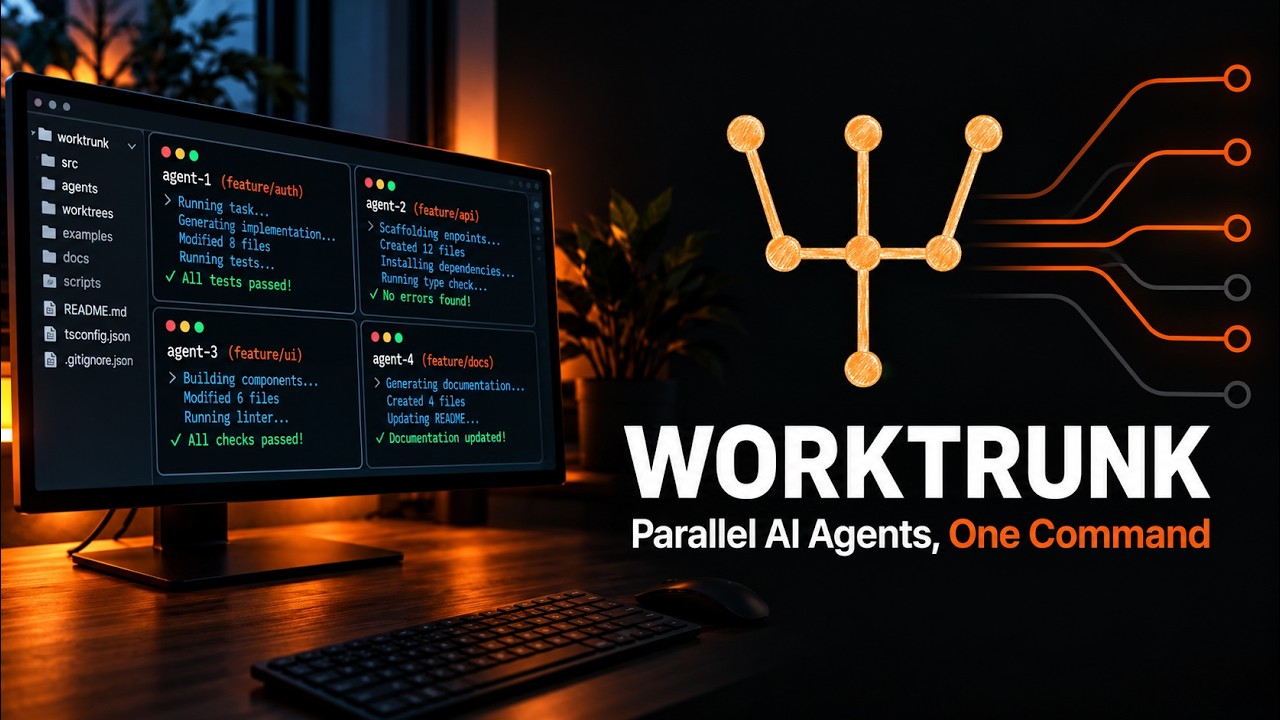
Worktrunk is a free, open-source command-line tool that turns Git's native worktree feature into something as easy as switching branches, and it just topped GitHub's daily trending list, pulling in 137 stars in a single day on top of more than 7,100 total. The gap it closes is specific to how people write code with AI now: running several Claude Code or Codex agents on the same repository at once, each in its own isolated working directory, without three-line git incantations every time you start or clean one up.
- Worktrunk collapses
git worktree add -b feat ../repo.feat && cd ../repo.featinto a single command:wt switch -c feat. - It ships native installers for macOS/Linux (Homebrew), Windows (winget), Arch Linux (pacman), Conda/Pixi, and Cargo for any Rust toolchain.
- On top of raw worktrees it adds a live status table (
wt list), an LLM-assisted commit-squash-rebase-merge workflow (wt merge), and hooks that auto-install dependencies per worktree. - Dual-licensed MIT/Apache-2.0 and shipping fast: version 0.77.0 landed on September 8, 2026, with a fresh binary for every major platform.
The exact steps, start to finish
- Step 1. Check your prerequisites. Worktrunk needs Git and one package manager to install through.
# any OS: confirm git is installed git --version # macOS or Linux with Homebrew brew --version # any OS with a Rust toolchain cargo --version # Windows: confirm winget is available winget --version - Step 2. Install Worktrunk. On macOS or Linux with Homebrew:
On Windows, run the same line in either Command Prompt or PowerShell (Winget installs the binary as# macOS & Linux brew install worktrunk && wt config shell installgit-wtto avoid clashing with Windows Terminal's ownwtalias):# Windows, Command Prompt or PowerShell winget install max-sixty.worktrunk git-wt config shell install - Step 3. Open a new terminal window. The shell integration
wt config shell installjust wrote lets Worktrunk change your shell's current directory, and it only takes effect in a fresh shell session. - Step 4. Confirm the CLI is on your PATH.
If that prints the command list, the install worked. On Windows, remember the binary is namedwt --helpgit-wtunless you disabled Windows Terminal's alias. - Step 5. Create your first worktree. Run this from inside any existing git repository:
Worktrunk creates a new branch and working directory next to your repo, then switches your terminal into it.wt switch --create feature-auth - Step 6. Check the status of every worktree at a glance.
This replaceswt listgit worktree list, which only prints paths, with staged changes, commits ahead of main, and unpushed commits per worktree. - Step 7. Launch an AI agent straight into a fresh worktree (the actual payoff). With the Claude Code CLI installed, this single command creates a worktree and starts Claude inside it with a task:
Run it again with a different branch and task for a second, fully isolated agent working in parallel.wt switch -x claude -c feature-a -- 'Add user authentication' - Step 8. Merge the finished work back and clean up, in one command.
Worktrunk generates a commit message from the diff if needed, rebases onto main, fast-forward merges, then removes the worktree and branch in the background. The full loop: create, code, merge, gone.wt merge main
What is Worktrunk and why is it trending?
Git worktrees have existed for years: they let you check out a second branch into its own directory instead of stashing changes every time you switch context, so two branches sit on disk side by side. Worktrunk, released at the start of 2026, doesn't reinvent that mechanism, it wraps it. The README is blunt about the problem: creating a single worktree the plain-git way means typing the branch name three times across two commands. That barely mattered when worktrees were a niche feature for a hotfix branch. It matters a lot now that Claude Code and Codex can run unattended for long stretches, and developers routinely keep five to ten going on the same repo at once. Worktrunk's own homepage calls it, as of September 2026, "the most popular git worktree manager," and the trending spike fits: AI coding agents created the exact multi-branch, parallel-task workload plain git worktrees were always clumsy at handling.
RelatedTeamAI Setup: Sync AI Coding Skills Across Your Team
How do you install Worktrunk on macOS, Linux, and Windows?
Homebrew covers macOS and Linux in one line, and it also wires up the shell integration that lets wt switch change your terminal's directory (a plain executable can only print output, not move you around your filesystem):
# macOS & Linux
brew install worktrunk && wt config shell installAnyone with a Rust toolchain already installed can pull straight from Cargo instead:
# any OS with Rust installed
cargo install worktrunk && wt config shell installWindows ships through Winget, with one wrinkle: Windows Terminal already registers its own command named wt as an "app execution alias," so Winget installs Worktrunk's binary as git-wt instead, to avoid the collision. These lines work identically in Command Prompt or PowerShell:
# Windows, Command Prompt or PowerShell
winget install max-sixty.worktrunk
git-wt config shell installTo use wt instead of git-wt on Windows, turn off Windows Terminal's alias under Settings, Apps, Advanced app settings, App execution aliases. Arch Linux has a native package (sudo pacman -S worktrunk), and a Conda-forge feedstock covers conda install -c conda-forge worktrunk or Pixi's pixi global install worktrunk. Finish with wt config shell install and open a fresh terminal.
How does Worktrunk fit into a Claude Code or Codex workflow?
A single flag, -x, runs a command immediately after Worktrunk switches into a new worktree, and anything after a trailing -- passes straight through to it. A developer running three unrelated fixes in parallel can fire off three isolated Claude Code sessions with three lines:
RelatedOrca Setup: Run a Fleet of Coding Agents in Parallel
wt switch -x claude -c feature-a -- 'Add user authentication'
wt switch -x claude -c feature-b -- 'Fix the pagination bug'
wt switch -x claude -c feature-c -- 'Write tests for the API'
Each agent gets its own directory, branch, and uncommitted changes, so one agent editing auth.ts can never clobber another agent's edits, because they're not even the same file on disk anymore. Post-start hooks, configured once, can install dependencies or boot a dev server in every new worktree before the agent starts, and the hash_port template filter hands each worktree its own port, so several dev servers run side by side without manual port-juggling. When an agent finishes, wt merge handles cleanup: squash, rebase onto main if needed, fast-forward merge, then remove the now-obsolete worktree and branch in the background.
What are the gotchas before you rely on it?
Worktrunk is young: GitHub shows the repository created in October 2025, under a year of history behind it. That mostly shows as small rough edges rather than core instability, given the active CI, Codecov integration, and release cadence (0.77.0 as of this writing). The Windows naming collision with Windows Terminal's built-in wt is the most likely first surprise, and it's well documented rather than silently broken. Because wt switch needs to change your shell's working directory, it only works after wt config shell install has patched your shell config and you've opened a new terminal; skipping that step is the most common way a first install looks "broken." And since it operates on your local git history, it inherits ordinary git caveats: an uncommitted merge conflict during wt merge still needs a human to resolve it.
| Trait | Worktrunk | Plain git worktree | Separate clones per task |
|---|---|---|---|
| Create + switch | wt switch -c feat | 2 commands, branch name typed 3x | Full re-clone, minutes not seconds |
| Status of all tasks | wt list with diff/ahead/behind | git worktree list, paths only | Manual, one repo at a time |
| Shared build caches | Shares node_modules/target without copying (APFS/btrfs/XFS) | Not built in | Fully duplicated per clone |
| Cleanup after merge | Automatic, background | 2 manual commands | Manual folder deletion |
| Launch an agent inline | -x claude flag | Not supported | Not supported |
- Windows naming. Keep using
git-wtunless you've disabled Windows Terminal's alias; mixing the two up is the most common Windows support question. - Public MCP support. The roadmap lists exposing Worktrunk over MCP so any agent, not just Claude Code or Codex by name, can drive it directly.
- Hook complexity creep. Post-start hooks are powerful but per-project; a team standardizing on Worktrunk should commit a shared hook config rather than let everyone hand-roll their own.
Our take
Worktrunk earns its trending spot on genuine friction removed, not novelty. Git worktrees always did what parallel AI agents need, isolated directories on the same repo, but the ergonomics were bad enough that most developers reached for separate full clones instead, wasting disk space and losing shared git history. Wrapping worktree management in three memorable commands, then adding exactly what a fleet of coding agents needs (per-worktree ports, shared caches, one-command merge and cleanup) is a small, well-scoped idea executed cleanly. The Windows alias workaround is the only real friction we hit, and it's a Windows Terminal problem Worktrunk works around, not one it created. If you're already running more than one Claude Code or Codex session on the same codebase with plain git, this is worth five minutes.
- Officialgithub.com/max-sixty/worktrunk - source, README, issue tracker
- Referenceworktrunk.dev - full documentation site
- Releasesv0.77.0 release notes - current version, published September 8, 2026
- ReferenceAnthropic, Claude Code best practices - the official guide Worktrunk's own README cites for the worktree pattern
Original analysis by GenZTech Team, built by installing and running Worktrunk directly from its published README and release notes.