
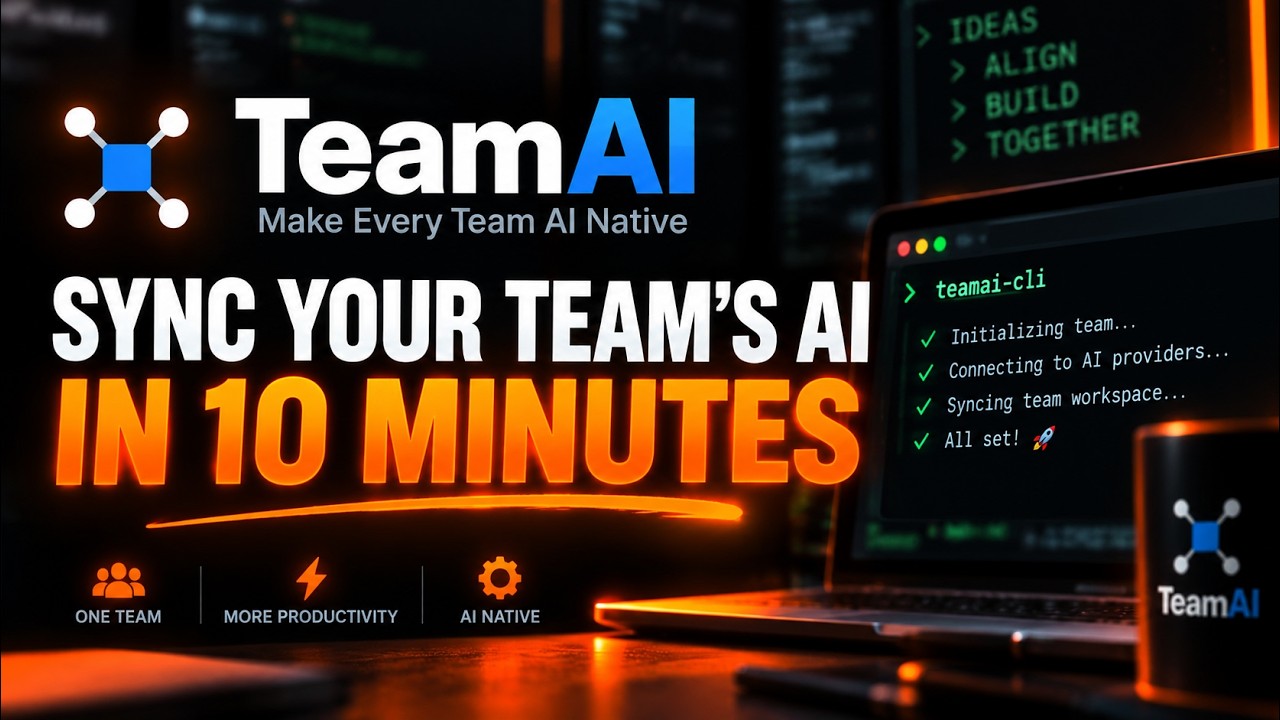
TeamAI is a free, open-source CLI from Tencent that syncs your team's skills, rules, hooks and MCP config across Claude Code, Codex, Cursor and six other AI coding agents, so every teammate's tool works the same way without manual copy-paste. It jumped onto GitHub's daily trending chart with 563 new stars in a single day on top of roughly 2,900 total, and setup takes about 10 minutes with nothing more than Node.js and a git repo you already have.
- TeamAI is an MIT-licensed npm CLI that distributes skills, rules, agents, hooks and MCP config to Claude Code, Codex, Cursor, CodeBuddy, WorkBuddy, OpenCode and more from one shared git repo.
- It works through a push, review, merge, pull flow: you propose a change, a teammate approves it in a normal merge request, and every session auto-syncs it via a SessionStart hook.
- A single-repo mode (
teamai init .) lets you try it inside any project you already have, no separate team repo or new account required. - Beta features add a searchable team knowledge base (
teamai recall) and a codebase knowledge graph built with a WASM tree-sitter parser, both off by default.
The exact steps, start to finish
- Step 1. Check your prerequisites. TeamAI needs Node.js 20 or newer and Git.
# confirm Node, npm and Git are installed and current node --version npm --version git --version - Step 2. Install the CLI globally.
# installs the teamai command npm install -g teamai-cli - Step 3. Confirm it's on your PATH and check the version.
# should print the installed version, currently 0.23.1 teamai --version - Step 4. Initialize TeamAI inside a project you already have. This is the step that actually turns the CLI on: it commits a
.teamai/folder to your current branch and wires up hooks for whichever AI tools you pick. No separate team repo or account signup needed for this single-repo mode, just an existing git project.
If you're setting this up for a whole team instead of trying it solo, create an empty repo on GitHub first (the docs suggest naming it# run inside any existing git project, picks tools interactively cd /path/to/your-project teamai init . # or non-interactive, naming the tools directly teamai init . --agent claude,codexTeamAi-<your-team-name>), or start from Tencent's own starter at teamai-hub/template-backend by clicking Use this template, then runteamai init https://github.com/yourorg/yourrepoagainst it instead ofteamai init .. - Step 5. See what TeamAI actually did. This is the payoff step. Check the local-versus-team diff and pull down whatever your setup just committed.
Open your AI tool of choice (Claude Code, Codex, Cursor) and start a fresh session: TeamAI's SessionStart hook now fires automatically and pulls the latest skills and rules every time that session starts, with no manual sync step from here on.# compare what's local against the team repo teamai status # pull and inject the latest resources into your AI tools teamai pull
What is TeamAI and why is it trending?
TeamAI is built by Tencent as infrastructure for the problem every team hits once more than one person uses an AI coding agent: skills, house rules, review agents and MCP server configs live as loose files scattered across each person's ~/.claude, ~/.codex or .cursor directory, copied by hand and drifting out of sync the moment anyone updates one. TeamAI treats that configuration as a real artifact with a real distribution pipeline, stored in a git repo, reviewed like code, and pushed to every teammate's local tools through hooks instead of Slack messages and README instructions nobody rereads. The project sits at version 0.23.1, shipped a new release the day before this trending spike, and its README lists nine supported agents including Claude Code, Codex, Cursor, CodeBuddy and OpenCode with a detailed capability matrix showing exactly which sync features each one gets.
RelatedOpenMontage Setup: Turn Your AI Agent Into a Video Studio
How do you install TeamAI on Windows, macOS and Linux?
Because TeamAI ships as a pure npm package, the install command is identical on all three platforms once Node.js 20+ is present: npm install -g teamai-cli. Windows users should grab Node.js from nodejs.org or install it via winget install OpenJS.NodeJS.LTS, then run the same npm command from PowerShell or a terminal inside VS Code. macOS and Linux users can use whatever Node.js 20+ they already have, or a version manager like nvm, and the install and every teamai command below behave the same across all three. If your team's git host is TGit or CNB rather than GitHub, GitLab or GitCode, TeamAI also needs that provider's own CLI (gf for TGit, cnb for CNB); the docs say teamai init installs either automatically the first time it needs one, so you don't have to chase that down yourself.
How do you actually try it before committing a whole team to it?
This is the part most tutorials for team-oriented tools skip: you can evaluate TeamAI completely solo, with zero coordination, using single-repo mode from step 4 above. Running teamai init . inside any project you already have (even a throwaway scratch repo) commits a .teamai/ folder holding skills, rules, docs and a teamai.yaml config to your current branch, plus settings files for whichever AI tool you picked, such as .claude/settings.json. Because that marker is committed to your main branch, cloning the same repo on another machine auto-initializes it too: the next teamai command detects the marker and wires up local config with no repo URL to retype. Only when you're ready to share one knowledge base across several separate repos does the guide recommend a standalone team repo instead, empty or built from Tencent's own template-backend starter.
| Approach | TeamAI | Copy-pasting CLAUDE.md by hand | Cursor's built-in rules | Internal wiki / Notion doc |
|---|---|---|---|---|
| Stays in sync automatically | Yes, via SessionStart hook + pull | No, manual copy every time | Within Cursor only | No, readers must remember to check |
| Works across multiple AI tools | 9 agents from one repo | Whatever you paste, per tool | Cursor only | Not tool-aware at all |
| Change review | Git branch + Merge Request | None | Whatever the repo's own review process is | Usually none |
| Install | One npm install -g | N/A | Built into the editor | N/A |
| Cost | Free, MIT licensed | Free, but time-costly | Free with Cursor | Free, but drifts stale |
What are the gotchas before you rely on it?
Four things worth knowing before this becomes load-bearing infrastructure for your team. First, the beta knowledge features are off by default on purpose: teamai recall, the search-your-team's-past-sessions feature, only activates after you explicitly run teamai recall enable, and the automatic session-friction hint that suggests documenting a hard-won fix can be switched off with sharing.contributeHint.enabled: false in teamai.yaml. Second, if your team wires an MCP server through TeamAI with an API key, that key resolves to its literal plaintext value and gets written to disk in files like .mcp.json, because tools launched from a GUI dock don't reliably inherit shell environment variables. The docs are explicit that you must add those resolved config files to .gitignore yourself; TeamAI does not do it for you. Third, teamai packages never auto-installs anything: a changed declaration only produces a notice to review and install manually, so a malicious entry in teamai.yaml can't silently run code on pull. Fourth, single-repo mode ties one team setup to one business repo; sharing one knowledge base across several repos needs a migration to a standalone team repo instead.
RelatedWorktrunk Setup: Git Worktrees for Parallel AI Agents
- Recall and the knowledge graph maturing out of beta. Both are explicitly beta today; watch for the friction-based learning capture and the tree-sitter codebase graph to stabilize into default-on features.
- Agent coverage widening. The support matrix already spans nine agents with uneven feature parity; closing those gaps (hooks and MCP for WorkBuddy, agents for OpenCode) would make TeamAI closer to a universal layer.
- Enterprise HTTP backend adoption.
teamai init --httplets a company run its own backend instead of a git repo; whether teams pick that over the git-native flow is worth tracking.
Our take
The interesting bet TeamAI makes is treating AI-agent configuration as something that deserves the same discipline as application code: version control, code review, and automatic distribution, instead of a folder of files everyone edits locally and nobody keeps in sync. That framing is obviously right the moment a team has more than two or three people pointing different AI tools at the same codebase with different rules loaded, which is an increasingly common situation and one most teams currently solve with nothing more than a pinned Slack message. Tencent building this as a genuinely multi-agent tool, rather than locking it to Claude Code specifically, is the detail that makes it worth trying even if your team is still deciding which AI coding tool to standardize on. The single-repo mode is the real unlock for a tutorial like this one: you can find out in ten minutes, on a throwaway repo, whether the whole push-review-pull model fits how your team actually works, before you commit anyone else's workflow to it.
- OfficialTencent/teamai-cli repository and README
- OfficialTeamAI usage guide full onboarding and command reference
- Officialteamai-cli on npm package listing, currently v0.23.1
- Referenceteamai-hub/template-backend official starter template for a team repo
Original analysis by GenZTech. Tool documentation: Tencent/teamai-cli on GitHub.