
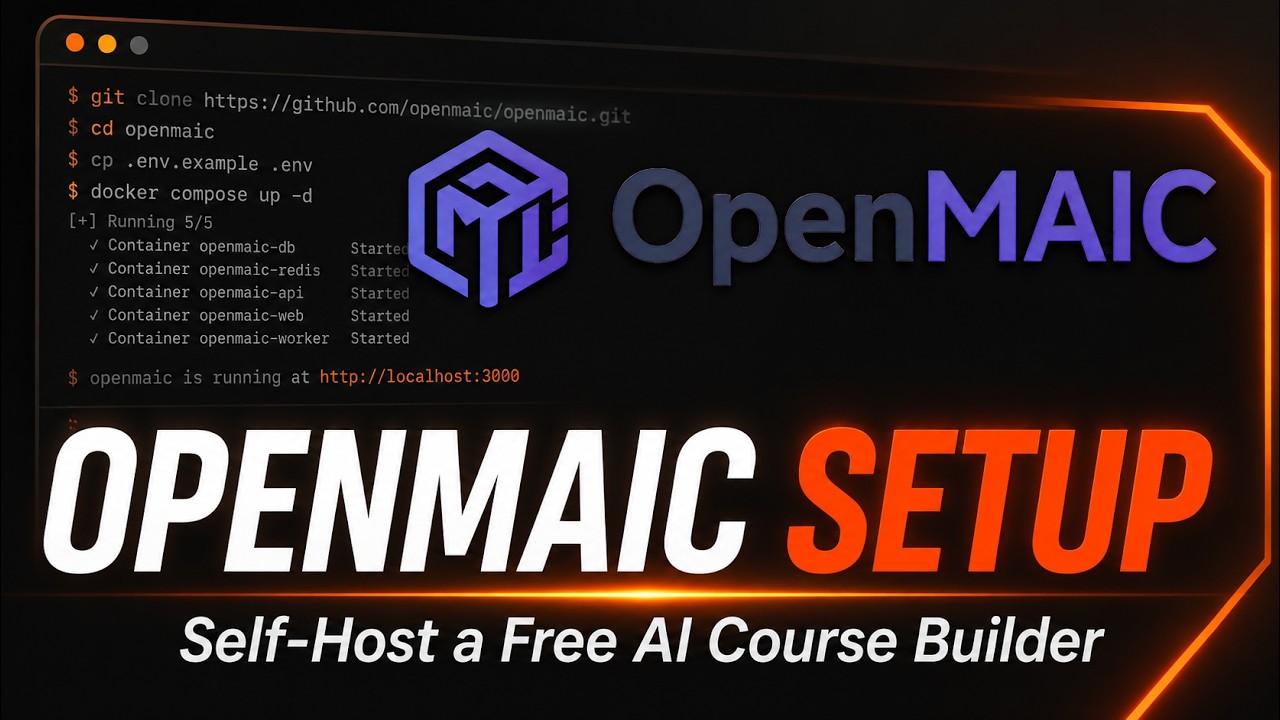
OpenMAIC is a free, open-source platform that turns any topic or set of documents into a full interactive classroom, complete with slides, quizzes, a whiteboard, and an AI teacher who talks you through it, and it just landed on GitHub's daily trending list with 1,625 stars added in a single day on top of nearly 24,000 total. This guide gets it running on your own machine in about 10 minutes: Node.js, pnpm, one free Gemini API key, and a browser tab at localhost.
- OpenMAIC (Open Multi-Agent Interactive Classroom) generates a whole lesson, slides, quizzes, interactive simulations, and project-based work, from a single topic prompt or your own uploaded materials.
- It is MIT licensed, self-hosted with Node.js and pnpm, and works with more than a dozen LLM providers including OpenAI, Anthropic, Google Gemini, and local Ollama models.
- Version 1.0.0, released August 27, 2026, added a chat-first Pro workbench where an agent plans, builds, and revises a curriculum from your files instead of a one-shot generation.
- The repo passed 23,700 total stars and is still actively releasing, with a live hosted demo alongside the self-hosted path this tutorial covers.
The exact steps, start to finish
- Step 1. Check your prerequisites. OpenMAIC needs Node.js 20 or newer and pnpm 10 or newer.
Ifnode --version pnpm --version git --versionpnpmis missing, install it withnpm install -g pnpm. - Step 2. Clone the repository and install dependencies.
git clone https://github.com/THU-MAIC/OpenMAIC.git cd OpenMAIC pnpm install - Step 3. Create your local environment file.
cp .env.example .env.local - Step 4. Get a free Gemini API key and add it to the config. OpenMAIC needs at least one LLM provider key to generate anything. The README's own recommended model is Gemini 3 Flash, and Google AI Studio issues a free-tier Gemini key with no local install of its own. Sign up at aistudio.google.com/apikey, create a key, then add these two lines to
.env.local:# .env.local GOOGLE_API_KEY=your-gemini-api-key DEFAULT_MODEL=google:gemini-3-flash-preview - Step 5. Start the dev server.
pnpm dev - Step 6. Generate your first lesson. Open
http://localhost:3000, type a topic into the one-click generator (or attach a document), and watch OpenMAIC's agents build a full interactive classroom, slides, a quiz, and an AI teacher ready to walk you through it.
What is OpenMAIC and why is it trending?
OpenMAIC comes out of Tsinghua University's THU-MAIC lab and describes itself plainly: an open-source AI platform that turns any topic or document into a rich, interactive classroom experience. Under the hood it is a Next.js 16 and React 19 application with a LangGraph-driven multi-agent backend that plans a curriculum, then hands off to specialized agents that build slides, quizzes, interactive HTML simulations, and project-based learning activities. AI teachers and AI classmates deliver the result live, speaking, drawing on a whiteboard, and answering follow-up questions in real time, rather than handing you a static deck to read alone. The trending spike lines up with the August 27, 2026 release of v1.0.0, which added a full agent workbench alongside the original one-click generator, letting you chat with an agent that revises the course as you go instead of accepting whatever the first pass produced.
RelatedWeKnora Setup: Self-Host Tencent's Open Source RAG Platform
How do you install OpenMAIC on Windows, macOS, and Linux?
The setup path is identical on all three: OpenMAIC is a standard Node.js and pnpm project, not a platform-specific binary, so the same git clone, pnpm install, and pnpm dev commands from the checklist above work whether you are on Windows, macOS, or Linux, as long as Node 20+ and pnpm 10+ are on your PATH. If you would rather skip local Node entirely, the README also documents a one-command Docker path that works the same way everywhere:
cp .env.example .env.local
# edit .env.local with your API key first, then:
docker compose up --build
There is also a one-click Deploy with Vercel button in the README if you want a hosted instance instead of running it on your own hardware, which just needs you to fork the repo and supply the same environment variables through Vercel's dashboard.
How do you connect a different AI provider instead of Gemini?
Gemini gets you running fastest because Google AI Studio's free tier needs no billing setup, but OpenMAIC treats providers as interchangeable. The .env.local file accepts keys for OpenAI, Azure OpenAI, Anthropic, Amazon Bedrock, DeepSeek, Qwen, Kimi, MiniMax, Grok, OpenRouter, GLM, and any OpenAI-compatible endpoint, or you can skip API keys altogether and point it at a local Ollama or Lemonade model:
# swap in whichever provider you already have a key for
OPENAI_API_KEY=sk-...
ANTHROPIC_API_KEY=sk-ant-...
Providers can also be set through a server-providers.yml file instead of environment variables if you are managing several keys at once, which the README covers in its Configure section.
RelatedOpenMontage Setup: Turn Your AI Agent Into a Video Studio
How does it compare with building courses another way?
| Trait | OpenMAIC | Gamma | Manual (PowerPoint + ChatGPT) |
|---|---|---|---|
| Where it runs | Self-hosted, your machine or server | Browser SaaS only | Your desktop app |
| Cost | Free, MIT licensed; you pay only your own LLM usage | Free tier limited, paid plans for more credits | Free if you already pay for ChatGPT |
| Output | Interactive classroom: quizzes, whiteboard, PBL, TTS | Static slide decks and pages | Static slides you assemble by hand |
| Delivery | Live AI teacher and AI classmates that discuss with you | You present it yourself | You present it yourself |
| Data control | Runs on your infrastructure with your own API keys | Vendor cloud | Depends on the chat tool you used |
What are the gotchas before you rely on it?
A few. First, it is not free to run in the sense of needing zero cost: the app itself is MIT licensed, but every lesson it generates burns tokens against whichever LLM provider you configured, so a heavy user should watch usage on the Google AI Studio or OpenAI dashboard the same way they would with any other AI tool. Second, the optional server-backed persistence mode is explicit that its default dev token is not a real secret: it is compiled straight into the public JavaScript bundle, so the README itself says that configuration is suitable only for localhost or a trusted network, not a public multi-user deployment, without swapping in real session authentication first. Third, MP4 video export needs a separate Chromium-and-FFmpeg render-service container rather than running in the main app, so if you want the "Export Video" button to work you need the extra docker compose --profile video-export up --build step, not just the base install. None of these are unusual for a fast-moving open-source project, but they are worth knowing before you point it at anything beyond your own laptop.
- Agent workbench maturity. v1.0.0 just shipped the Pro workbench; whether durable sessions and multi-turn revision hold up under real classroom loads over the next few releases.
- Provider costs at scale. Whether typical course-generation token costs stay predictable enough for schools and teams to budget against.
- Production-ready auth. Whether a documented, non-localhost-only authentication path lands for the server-persistence and workbench modes.
Our take
OpenMAIC is a genuinely useful answer to a real gap: AI chatbots are good at explaining a topic in text, but turning that into slides, a quiz, and something you can actually sit through like a class has mostly meant either a closed platform or hours of manual slide-building. Being MIT licensed and self-hostable, with support for more than a dozen LLM providers including free-tier options, means a developer, a teacher, or a small team can stand up a private course generator without committing to a subscription or handing lesson content to a vendor's cloud. The rough edges, dev-only persistence tokens, an opt-in render service for video, are the kind any actively releasing open-source project carries, and the pace of releases here, four in the last two months, suggests they get sanded down quickly rather than ignored. If you want to turn a pile of documents or a single prompt into something closer to an actual class than a static deck, this is worth the ten minutes it takes to try.
- OfficialTHU-MAIC/OpenMAIC repository and README
- Releasesv1.0.0 release notes agent workbench and durable sessions
- Referenceopen.maic.chat hosted live demo
- ReferenceGoogle AI Studio free Gemini API key signup
Original analysis by GenZTech. Tool documentation: THU-MAIC/OpenMAIC on GitHub.